What Do Sessions Mean on Shopify?
If you run an online store, you may have seen the term “sessions” in your Shopify analytics dashboard. Understanding what sessions mean on Shopify is important because they help you track how many times visitors interact with your store.
In simple terms, a session represents a single visit to your Shopify store. Every time someone enters your website and browses pages, Shopify records that activity as a session.
What Is a Session on Shopify?
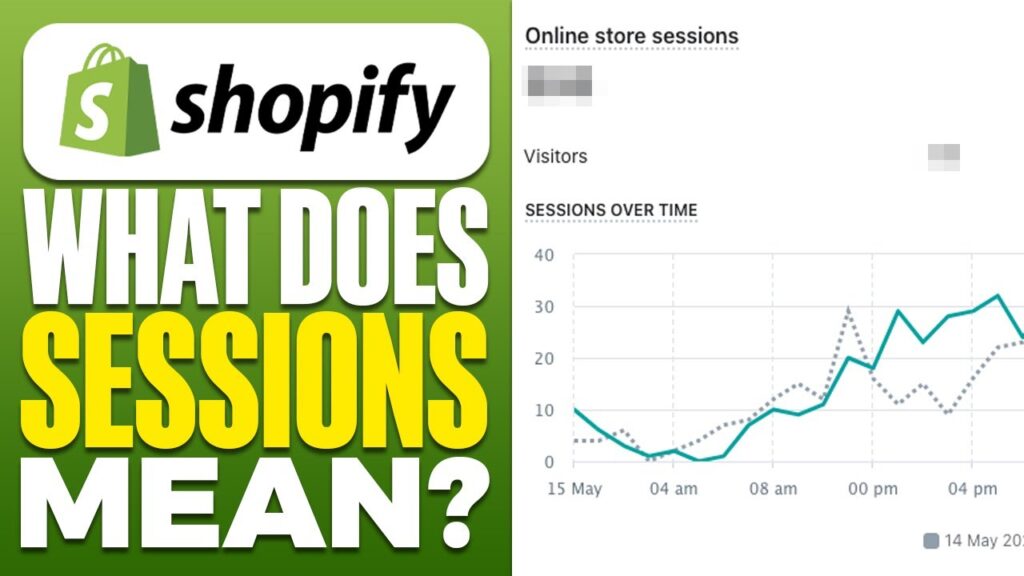
A session starts when a visitor arrives on your store and ends after 30 minutes of inactivity or when the visitor leaves your website.
During one session, a visitor may:
- view multiple product pages
- browse different collections
- read blog posts
- add items to the cart
All of these actions still count as one session as long as the visitor stays active.
For example:
- A customer visits your store and views 5 products → 1 session
- The same customer returns later in the day → another session
Sessions vs Visitors on Shopify
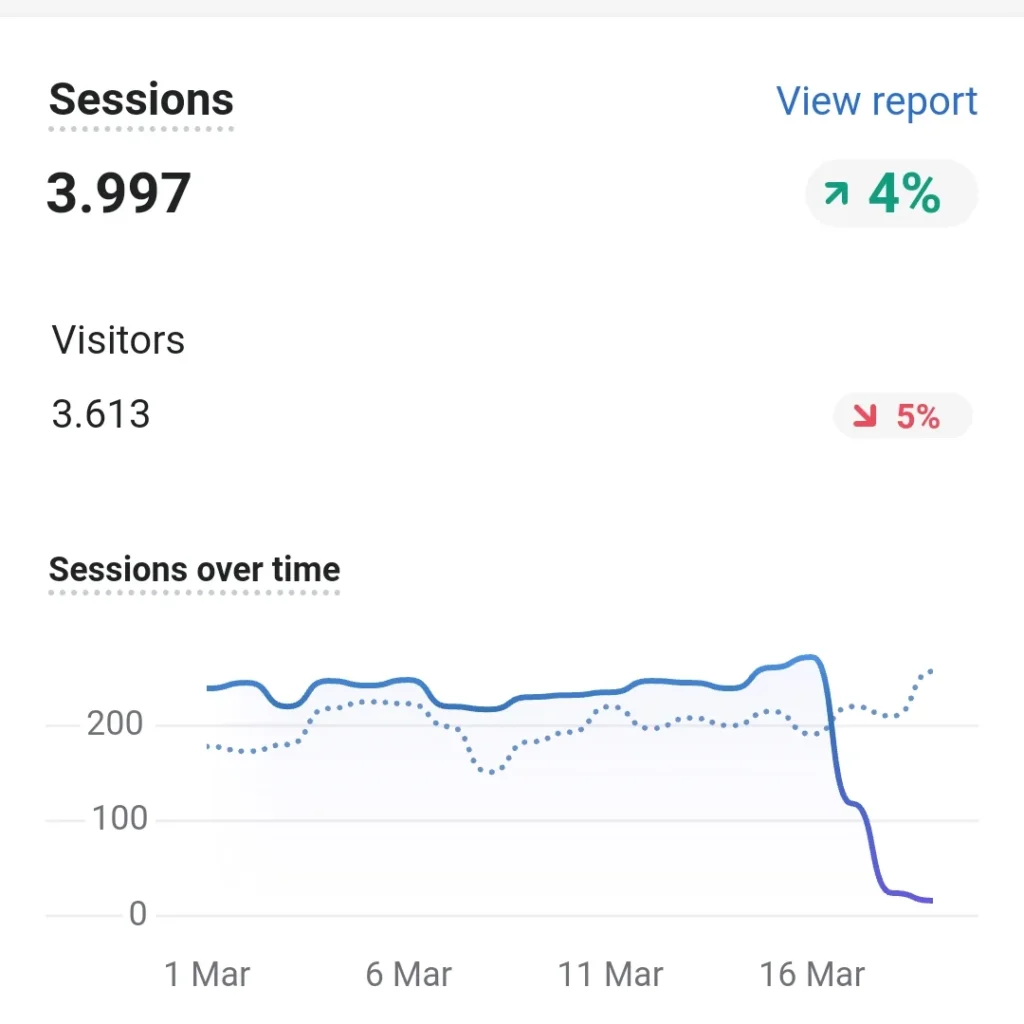
Many store owners confuse sessions with visitors, but they are slightly different.
- Visitors (Users): The number of unique people visiting your store
- Sessions: The total number of visits to your store
Example:
- 1 person visits your store three times in one day
- Shopify counts 1 visitor but 3 sessions
This means sessions can often be higher than the number of visitors.
Why Shopify Sessions Are Important
Sessions help store owners understand how much traffic their store is receiving.
Tracking sessions allows you to:
- measure marketing performance
- analyze traffic sources
- identify popular pages
- monitor store growth
If your sessions increase, it usually means more people are discovering your store.
Where to Find Sessions in Shopify
You can find session data in your Shopify Analytics dashboard.
Follow these steps:
- Log in to your Shopify admin panel
- Click Analytics
- Open Overview Dashboard
- Look for Online Store Sessions
This section shows how many visits your store received during a specific time period.
Types of Traffic That Create Sessions
Sessions can come from many different traffic sources, including:
- search engines like Google
- social media platforms
- paid advertisements
- direct visits
- email marketing campaigns
- referral links from other websites
Tracking these sources helps you understand which marketing channels bring the most visitors.
What Is a Good Number of Sessions?
There is no universal number that defines a “good” session count. It depends on factors like:
- your industry
- marketing efforts
- store age
- advertising budget
However, a steady increase in sessions generally means your store’s visibility and reach are improving.
Tips to Increase Shopify Sessions
If you want to grow your store traffic, consider these strategies:
- optimize your store for SEO
- publish helpful blog content
- promote products on social media
- run targeted advertising campaigns
- collaborate with influencers
- use email marketing
These methods can help attract more visitors and generate more sessions.
Final Thoughts
Understanding what sessions mean on Shopify is essential for tracking your store’s performance. A session represents a single visit to your website and helps you measure how much traffic your store receives.
By monitoring sessions and improving your marketing strategies, you can increase traffic, attract more customers, and grow your online business.