
Save Time with These Marketing Automation Tools in 2026
Modern marketing teams are often stretched thin, caught between the need for high-volume content production and the necessity of precise, data-driven execution. As channels multiply, the manual workload required to maintain a presence across email, social, and search becomes unsustainable.
The solution isn’t to work longer hours; it is to leverage technology that handles repetitive tasks at scale. When you save time with these marketing automation tools, you aren’t just offloading work—you are reclaiming the cognitive bandwidth needed for high-level strategy and creative innovation.
What is Marketing Automation?
At its core, marketing automation refers to the use of software to streamline, automate, and measure marketing tasks and workflows. Instead of manually sending every email or posting every social update, marketers set up “if-then” logic—known as workflows—that trigger actions based on user behavior.
This ecosystem involves several key entities:
- Customer Relationship Management (CRM): The central database where lead information is stored.
- Triggers: Specific actions (like a form submission) that start an automated process.
- Workflows: The sequence of automated steps that follow a trigger.
- Personalization Tokens: Dynamic fields that insert a user’s name or company to make automated messages feel human.
Related Concepts and Comparisons
To choose the right stack, it is essential to understand how automation differs from other related technologies.
Marketing Automation vs. CRM
A CRM is a database; it stores who your customers are and their history with your brand. Marketing automation is the engine that acts on that data. While many modern platforms (like HubSpot or Salesforce) combine both, they are distinct functions.
Automation vs. AI (Artificial Intelligence)
Marketing automation is rule-based (e.g., “If a user clicks this link, send that email”). AI, particularly generative AI and predictive analytics, goes a step further by identifying patterns in data or creating content from scratch. Effective teams use automation to handle the delivery and AI to enhance the substance.Taking this a step further, an ai agent can proactively interpret engagement data, refine content decisions, and streamline execution to improve overall marketing effectiveness.
Misconception: “Set It and Forget It”
One common myth is that automation removes the need for human oversight. In reality, automated systems require regular audits to ensure links aren’t broken, messaging remains relevant, and the “human touch” hasn’t been lost to robotic repetition.
How Marketing Automation Works
Marketing automation operates through a layered architecture that connects your tech stack to your customer journey.
1. The Data Ingestion Layer
Tools pull information from your website, social media, and paid ads. This data allows the software to “recognize” a lead and track their interactions across different touchpoints.
2. The Logic and Segmenting Layer
This is where the “intelligence” happens. Leads are categorized into segments based on behavior or demographics.
- Lead Scoring: Assigning numerical values to leads based on their engagement level.
- Dynamic Lists: Lists that automatically update when a user meets certain criteria.
3. The Execution Layer
The tool pushes out the content through the appropriate channel—be it an email sequence, a targeted ad, or a Slack notification to a sales rep.
Benefits and Trade-offs
Implementing these tools is a strategic trade-off between upfront complexity and long-term efficiency.
The Benefits
- Consistency: Automation ensures that every lead receives a follow-up, regardless of how busy the team is.
- Scalability: You can manage 10,000 leads with the same amount of manual effort as 10.
- Higher Conversion: By delivering the right message at the right time (behavioral targeting), conversion rates typically see a significant lift.
The Trade-offs
- Complexity: Setting up sophisticated workflows takes time and technical expertise.
- Risk of De-personalization: Poorly configured automation can lead to “uncanny valley” experiences where customers feel like a number in a machine.
- Cost: Enterprise-grade automation platforms can be a significant line item in a marketing budget.
Categories of Essential Automation Tools
To effectively save time with these marketing automation tools, you should categorize them by the specific problem they solve.
| Category | Top Tools | Best For |
| All-in-One Platforms | HubSpot, ActiveCampaign | Mid-to-large teams needing a centralized “source of truth.” |
| Email & Lifecycle | Mailchimp, Klaviyo | E-commerce and content-heavy brands focusing on retention. |
| Workflow Integration | Zapier, Make | Connecting disparate apps that don’t have native integrations. |
| Social Media | Sprout Social, Buffer | Scheduling, listening, and cross-channel reporting. |
| B2B / Account-Based | Marketo, Pardot | Enterprise sales cycles with complex lead-nurturing needs. |
Top 3 Marketing Automation Tools (With Pricing, Pros & Cons)
Choosing the right marketing automation platform doesn’t just affect workflows — it impacts conversion rates, team collaboration, and overall revenue. The tools listed below are some of the most widely used marketing automation platforms in 2026, selected using ChatGPT along with publicly available information, feature comparisons, and real-world usage insights.
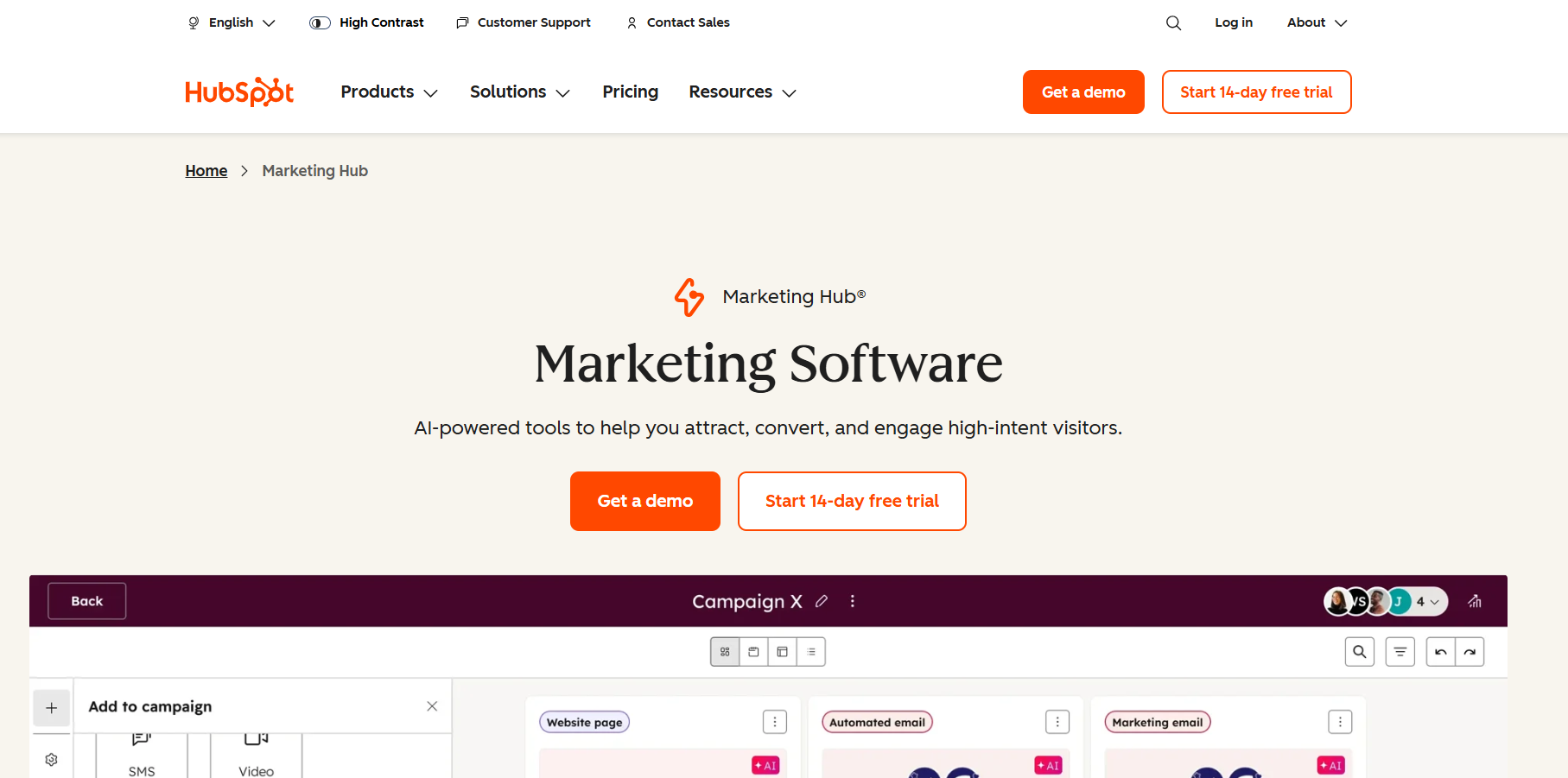
🥇 1. HubSpot Marketing Hub — Best All-In-One Marketing Ecosystem
HubSpot combines advanced automation with CRM, analytics, lead scoring, and campaign orchestration, making it ideal for teams that want a unified growth platform.
💰 Pricing (Approximate):
- Free plan available
- Starter: ~$20–$50/month
- Professional: ~$800–$1,200/month
- Enterprise: ~$3,200+/month (based on number of contacts and features)
✅ Pros:
- True all-in-one platform with built-in CRM
- Easy drag-and-drop automation builder
- Excellent reporting and attribution tools
- Huge library of integrations and training resources
⚠️ Cons:
- Can become expensive as contact volume grows
- Advanced features often require higher-tier plans
- Steep learning curve for enterprise modules
Best for: Growing teams that want centralized automation + CRM + analytics.
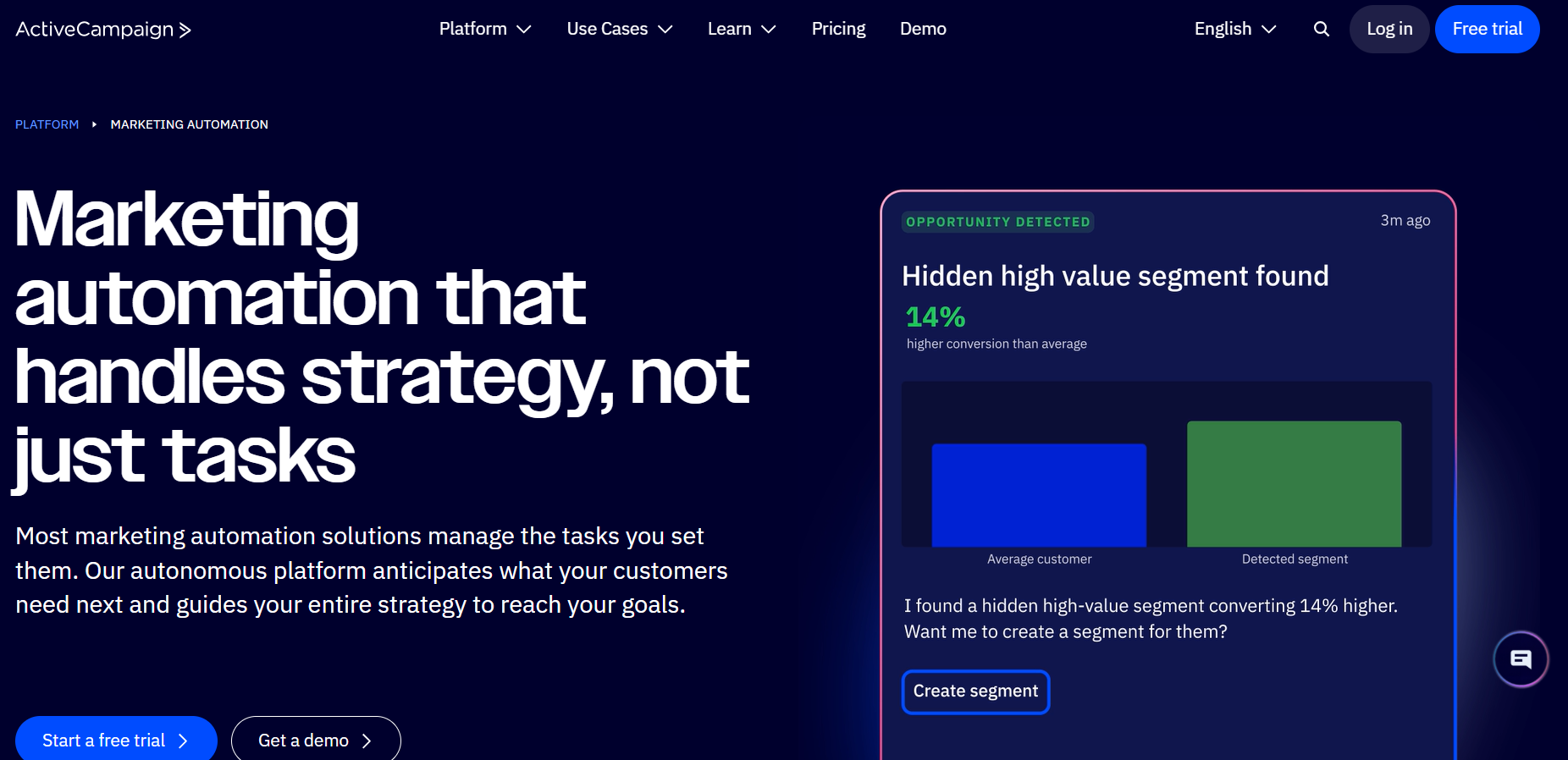
🥈 2. ActiveCampaign — Best for Personalization & Automation Depth
ActiveCampaign shines in its ability to create personalized experiences at scale — especially for email and CRM-linked automation.
💰 Pricing (Approximate):
- Lite: ~$29/month
- Plus: ~$49/month
- Professional: ~$149/month
- Enterprise: Custom pricing
(Prices vary by number of contacts.)
✅ Pros:
- Industry-leading automation logic and segmentation
- Conditional triggers and dynamic content
- Done-for-you automation templates
- Built-in CRM and messaging (email, SMS)
⚠️ Cons:
- Interface can feel overwhelming for beginners
- Not as strong for complex multi-channel campaigns as enterprise systems
- Reporting dashboard less robust than some competitors
Best for: Small to mid-sized businesses focusing on personalized journeys and engagement.
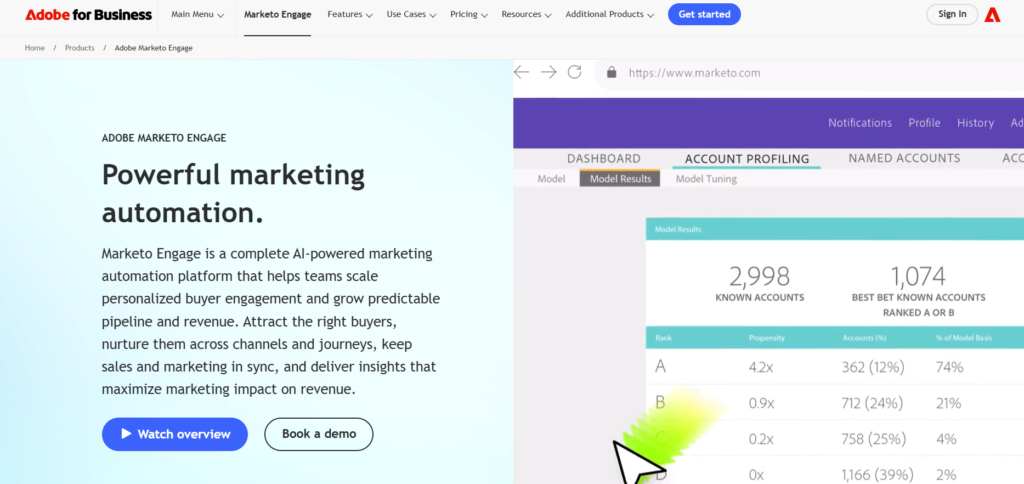
🥉 3. Adobe Marketo Engage — Best Enterprise-Grade Automation
Marketo is a top choice for large organizations with multi-touch, multi-channel automation requirements — especially in B2B and ABM (account-based marketing).
💰 Pricing:
- Typically starts around $1,500–$3,000+/month, depending on database size and modules used.
(Exact pricing is customized and requires vendor consultation.)
✅ Pros:
- Extremely powerful lead scoring and nurturing
- Built-for-enterprise workflows across channels
- Strong ABM and advanced analytics capabilities
- Integrates tightly with CRM and digital advertising platforms
⚠️ Cons:
- High cost and long onboarding cycle
- Requires dedicated specialists/administrators
- Not ideal for small teams or simple workflows
Best for: Large enterprises with complex automation needs and significant contact databases.
📊 Quick Comparison Table
| Tool | Best For | Starting Price (Approx) | Strength | Drawback |
|---|---|---|---|---|
| HubSpot Marketing Hub | All-in-one growth teams | ~$20+/mo | Unified CRM + automation | Can get expensive |
| ActiveCampaign | Personalized engagement | ~$29+/mo | Deep automation logic | Less robust enterprise features |
| Adobe Marketo Engage | Enterprise teams | ~$1,500+/mo | Extremely powerful & scalable | High cost & complexity |
How to Evaluate and Choose a Tool
Selecting a tool based on “features” alone is a mistake. Instead, evaluate software based on your team’s specific maturity and goals.
- Integration Capabilities: Does it play nice with your current CRM and CMS? If it requires a custom API build, the “time-saving” benefit may be offset by technical debt.
- Ease of Use: If your team is non-technical, a tool with a “drag-and-drop” visual builder is mandatory. Avoid tools that require SQL or CSS for basic functions.
- Reporting Depth: Can the tool prove its own ROI? Look for platforms that offer attribution modeling so you know which automated sequences are actually driving revenue.
- Support and Community: When a workflow breaks at 9:00 AM on a Monday, you need a robust knowledge base or a responsive support team.
The Strategic Takeaway
Marketing automation is not a replacement for a marketing strategy; it is the delivery vehicle for one.
This same mindset applies to disciplined learning systems, where consistent structure and mentorship — rather than shortcuts — lead to meaningful results. If your underlying strategy is flawed, automation will only help you fail faster and at a larger scale.
The Final Verdict: You should invest in automation when you have a proven manual process that is simply too time-consuming to repeat. Use these tools to handle the “plumbing” of your marketing—the scheduling, the tagging, and the basic follow-ups—so your team can focus on the “architecture”: the creative campaigns and high-level relationships that actually move the needle.
FAQ,s
For smaller teams or solo founders, HubSpot’s free-to-starter tiers or Mailchimp are often the best entry points. They offer intuitive interfaces and pre-built templates that allow you to automate basic email sequences and lead capture without needing a developer. If you specifically need to connect different apps, Zapier is the gold standard for “no-code” automation.
Only if it is poorly executed. Modern automation tools use dynamic content and personalization tokens to tailor messages based on user behavior. By sending a relevant resource based on a specific page a user visited, automation can actually make your brand feel more attentive and helpful than manual, one-size-fits-all communication.
Pricing is highly tiered based on the size of your contact database and required features. Entry-level tools can start as low as $15–$50 per month, while enterprise-grade platforms like Marketo or Salesforce Marketing Cloud can cost thousands of dollars monthly. Most platforms offer a “pay-as-you-grow” model based on the number of leads you manage.
No. Email marketing is just one channel. Marketing automation is the overarching strategy that coordinates multiple channels. It can include SMS alerts, LinkedIn outreach, CRM updates, internal Slack notifications for sales teams, and even dynamic website adjustments, all triggered by a single user action.
Not necessarily. Most modern SaaS tools are designed with “drag-and-drop” visual editors. However, as your workflows become more complex—such as integrating multiple platforms or setting up advanced lead scoring—you may benefit from a marketing operations (MarOps) specialist or a technical consultant to ensure data flows correctly between systems.


One Comment