How to Get Your Shopify Page on the Front Page of Google?
Getting your Shopify store on the front page of Google is one of the most powerful ways to increase traffic, sales, and brand visibility. When your Shopify pages rank higher in search results, customers can find your products without paid advertising — bringing consistent and long-term organic traffic.
However, ranking on Google does not happen by luck. It requires the right SEO strategy, optimization techniques, and consistent effort. In this complete guide, you’ll learn how to get your Shopify page to rank on Google’s first page step by step.
Why Ranking on Google Matters for Shopify Stores
Most online shoppers start their buying journey on Google. Studies show that users rarely go beyond the first page of search results.
Ranking higher helps you:
- Get free organic traffic
- Increase product visibility
- Build brand trust
- Reduce advertising costs
- Improve conversion rates
Simply put, better rankings mean more potential customers.
Step 1: Do Proper Keyword Research
Everything in SEO starts with keywords. You must target the exact phrases people search for.
How to Find Good Keywords
Look for keywords that:
- Have buying intent (e.g., “buy running shoes online”)
- Have moderate competition
- Match your product niche
- Are specific (long-tail keywords)
Examples:
- Instead of: shoes
- Use: lightweight running shoes for men
Use tools like Google autocomplete, keyword planners, or SEO tools to discover search terms.
Step 2: Optimize Your Shopify Page Titles
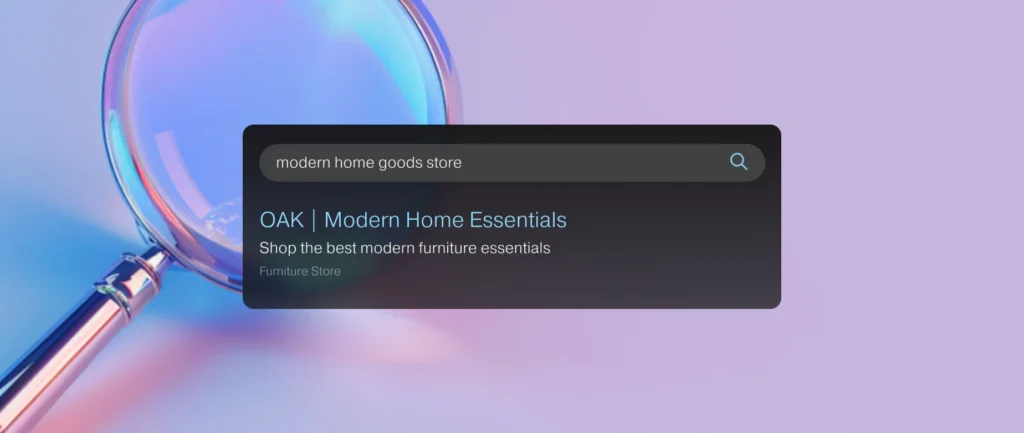
Your page title is one of the strongest ranking factors.
Best Practices:
- Include your main keyword
- Keep titles under 60 characters
- Add brand name at the end
- Make it readable and natural
Example:
Men’s Running Shoes – Lightweight Sports Shoes | YourBrand
Step 3: Write SEO-Friendly Product Descriptions
Many Shopify stores copy supplier descriptions — this hurts rankings.
Instead:
- Write unique content
- Explain benefits, not just features
- Use keywords naturally
- Add FAQs inside descriptions
- Use short paragraphs
Google rewards original and helpful content.
Step 4: Optimize Meta Descriptions
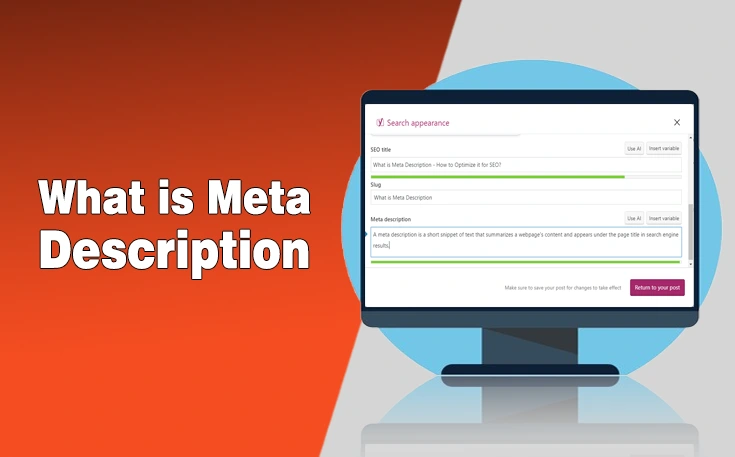
Meta descriptions improve click-through rates.
Tips:
- Keep under 160 characters
- Add keywords naturally
- Include action words like “Shop Now” or “Discover”
Example:
Shop lightweight running shoes designed for comfort and performance. Fast shipping available.
Step 5: Improve Site Speed

Google ranks fast websites higher.
Improve Shopify speed by:
- Compressing images
- Using lightweight themes
- Removing unused apps
- Avoiding large sliders or animations
A faster store improves both SEO and user experience.
Step 6: Optimize Images for Google
Images can rank in Google Image Search and bring extra traffic.
Do this:
- Rename images using keywords
- Add ALT text descriptions
- Compress image size
- Use clear product visuals
Example ALT text:
“black leather men wallet slim design”
Step 7: Create High-Quality Content (Shopify Blog)
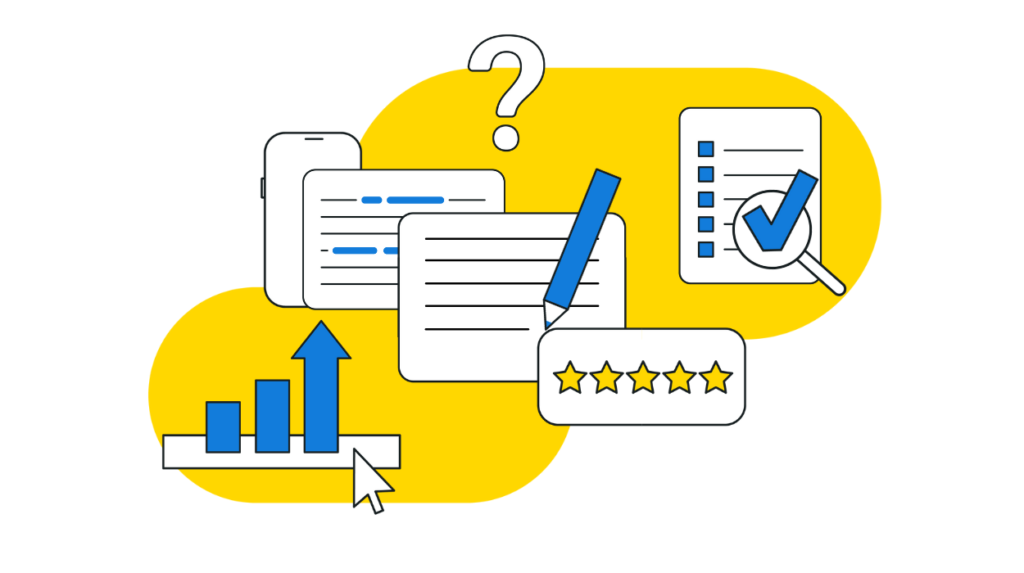
Content marketing helps Google trust your store.
Write blog posts related to your niche, such as:
- Buying guides
- Product comparisons
- Tutorials
- Industry tips
Example:
“How to Choose the Best Running Shoes for Beginners”
Blogs bring informational traffic that later converts into buyers.
Step 8: Build Backlinks to Your Shopify Store
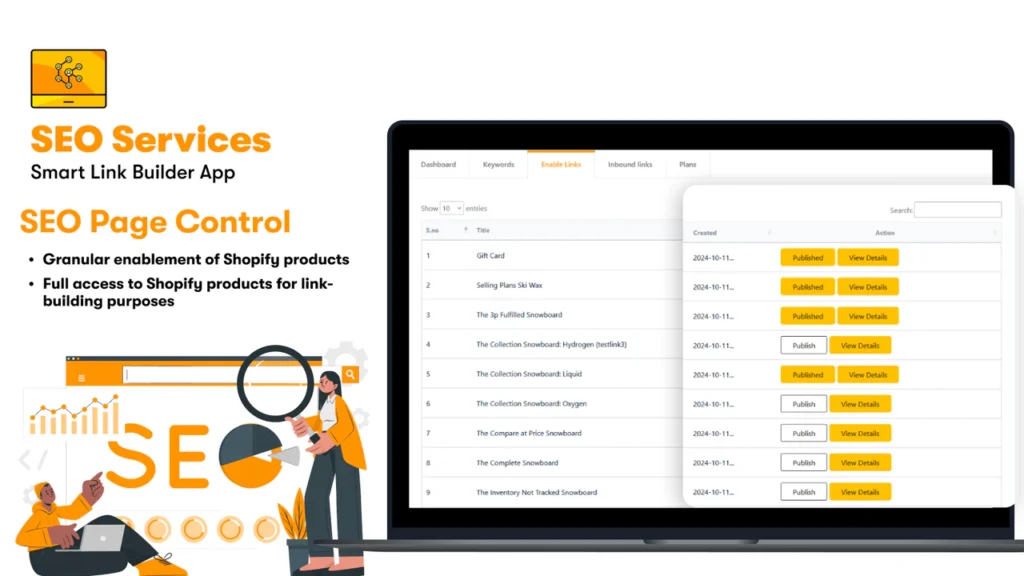
Backlinks are links from other websites to yours. Google sees them as trust signals.
Ways to get backlinks:
- Guest blogging
- Product reviews
- Influencer collaborations
- Business directories
- Social media sharing
Quality backlinks improve rankings significantly.
Step 9: Optimize for Mobile Users
Google uses mobile-first indexing, meaning mobile performance affects ranking.
Ensure:
- Responsive Shopify theme
- Fast loading on phones
- Easy navigation
- Clear product buttons
Most ecommerce traffic comes from mobile devices.
Step 10: Use Internal Linking
Link pages inside your store to help Google understand your site structure.
Examples:
- Blog → Product page
- Collection → Product
- Homepage → Best sellers
Internal links distribute SEO value across pages.
Step 11: Submit Your Store to Google Search Console
Google needs to discover your pages.
Steps:
- Open Google Search Console
- Verify your Shopify domain
- Submit sitemap:
yourstore.com/sitemap.xml
This helps Google index pages faster.
Step 12: Focus on User Experience (UX)
Google ranks pages that users enjoy.
Improve:
- Clear navigation
- Easy checkout
- Trust badges
- Customer reviews
- Simple design
Better experience = longer visit time = higher rankings.
Common Mistakes That Prevent Shopify Ranking
Avoid these errors:
- Copy-paste product descriptions
- Keyword stuffing
- Slow website speed
- Too many apps
- No blog content
- Ignoring mobile optimization
Small mistakes can stop ranking growth.
How Long Does Shopify SEO Take?
SEO takes time. Most stores see results within:
- 1–3 months: indexing and small traffic
- 3–6 months: ranking improvements
- 6–12 months: strong organic growth
Consistency is the key to success.
Final Thoughts
Getting your Shopify page on the front page of Google is achievable with the right SEO strategy. By focusing on keyword research, content optimization, site speed, backlinks, and user experience, you can steadily improve rankings and attract free organic traffic.
Remember, SEO is not a one-time task — it is an ongoing process. The stores that consistently optimize and provide value to users are the ones that win long term.
Start implementing these strategies today, and your Shopify store can move closer to Google’s first page.