
Starting a print-on-demand business is one of the most exciting, low-risk ways to launch a print on demand business and turn your creativity into income, but choosing the best tools for print on demand can feel overwhelming when every blog, forum, and video pushes a different app. You do not need dozens of tools. You need a curated set that works together seamlessly.
The commercial market opportunity is significant. According to Grand View Research, the global print-on-demand market was valued at $10.8 billion in 2025 and is projected to reach $13.1 billion in 2026, expanding toward $57.5 billion by 2033.
This guide cuts through the noise. We have selected the 10 best tools categorized by function so you can build a lean starter stack, launch quickly, and start generating sales.
The Best Tools for Print on Demand at a Glance
If you need a quick summary, here are the top recommendations across the three core operational categories. These represent the best apps for print on demand discussed in this guide.
| Tool Category | Our Top Pick | Best For… |
|---|---|---|
| Fulfillment | Printify | Sellers who want the widest product selection and competitive base prices |
| Design | Canva | Non-designers who need professional artwork quickly using free tools |
| E-commerce Platform | Shopify | Building a standalone, scalable brand that you fully own |
These three categories form the foundation of your print-on-demand store: creating your artwork, manufacturing and shipping products, and hosting your sales storefront. Establishing these core components provides a solid operational foundation.
The selections below include detailed breakdowns of each recommendation alongside alternatives tailored to various budgets and technical skill levels. Together, these tools form a reliable engine to secure tools for print on demand success.
All-in-One POD Platforms (The Engine of Your Business)
Choosing your fulfillment partner is a crucial decision for your business. Your print-on-demand fulfillment partner prints, packages, and ships orders directly to your customers without requiring you to handle physical inventory. Your choice directly influences your profit margins, shipping timelines, and customer satisfaction.
Here are three leading print-on-demand fulfillment platforms, along with a cost analysis to help you evaluate your options.
1. Printify
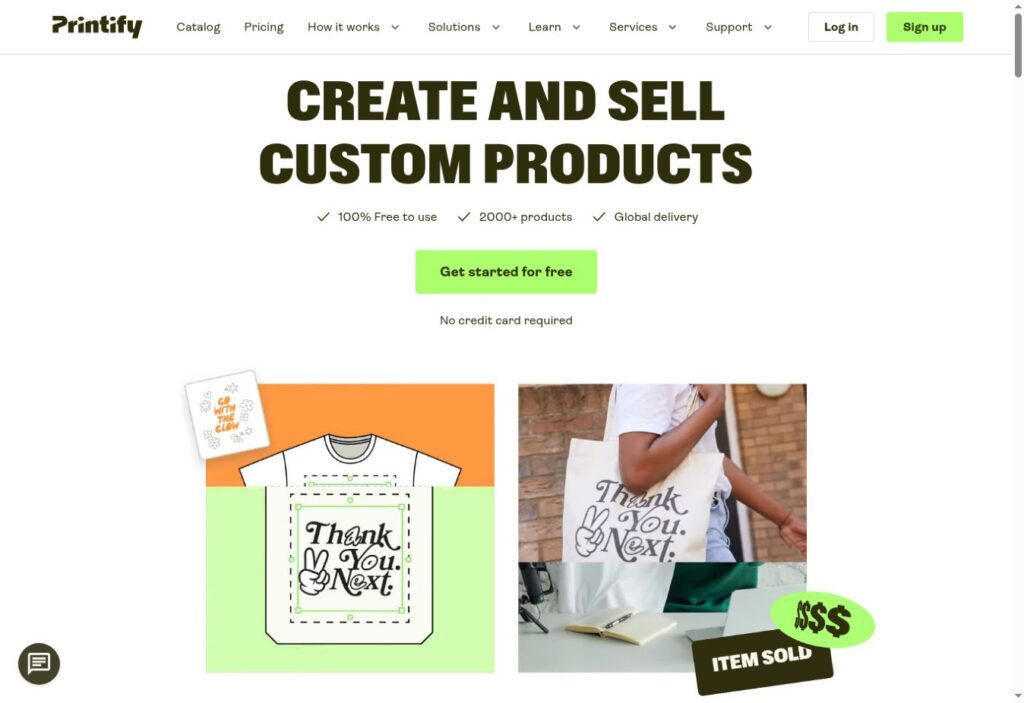
Printify is a top recommendation for many modern e-commerce sellers due to its flexible operational framework. Instead of operating its own factories, Printify functions by partnering with a comprehensive print on demand network of specialized printing facilities worldwide. This structure provides flexibility, allowing you to select print providers based on price, location, or customer reviews.
This network model supports a large product catalog. Because print providers compete within the ecosystem, base product costs remain competitive.
Best for: Sellers seeking extensive product variety and lower base costs.
Pricing: According to Ecommerce CEO, Printify offers three main tiers: Free ($0), Premium ($39/month or $24.99/month billed annually), and Enterprise (custom pricing). The free tier supports up to 5 stores per account with full access to the catalog.
Pros & Cons:
- Pro: Large product catalog with choice of regional print providers
- Pro: Free plan available with no upfront subscription fees
- Pro: Premium plan offers up to 20% discounts that cover subscription costs at moderate order volumes
- Con: Product quality and print consistency can vary between individual print providers
- Con: Premium tier pricing updated in 2026, requiring accurate budget planning
Beginner verdict: Highly accessible for beginners. The free tier allows sellers to test products and build store collections without initial capital investment.
2. Printful
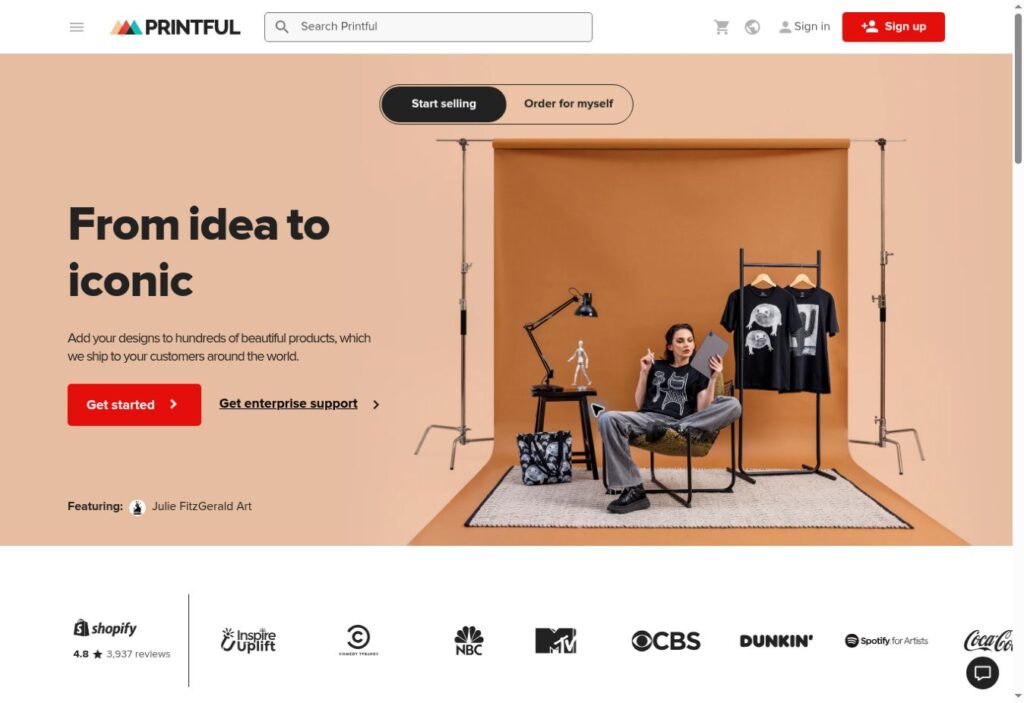
When evaluating Printful vs Printify, the primary distinction lies in fulfillment structure: Printful fulfills orders primarily in-house. Owning its production equipment allows Printful to maintain strict quality control and offer customized branding options, including custom apparel, pack-ins, printed inside labels, and branded shipping boxes.
Best for: Brands that prioritize consistent product quality and custom packaging over lower base product prices.
Pricing: Printful is free to set up with pay-as-you-go fulfillment costs. According to Ecommerce CEO, Printful’s Growth plan ($24.99/month) offers product discounts up to 33%, and becomes free for one year once a store reaches $12,000 in yearly sales.
Pros & Cons:
- Pro: In-house fulfillment ensures consistent product output
- Pro: Comprehensive custom branding and white-label packaging features
- Pro: Clean interface with structured onboarding resources
- Con: Base product prices are generally higher than Printify options
- Con: Smaller overall product selection compared to network-based platforms
Beginner verdict: Very easy to learn, offering clear setup workflows for first-time store owners.
The “True Cost” of a T-Shirt: Printify vs. Printful
Evaluating a standard t-shirt order with standard US shipping on free accounts provides clear cost context. According to Ecommerce CEO, standard US shipping on Printful starts around $3.99 per shirt, with base apparel prices ranging from $9.25 to $13.50. This results in a total base cost of approximately $13.00 to $17.50 before retail markup. Printify’s provider network frequently offers lower base product costs for similar garments, resulting in total costs roughly $1.00 to $3.00 lower per unit depending on the chosen provider. Printify generally provides price advantages, while Printful offers streamlined quality control and custom packaging options. Ordering sample products from both providers is recommended prior to store launch.
3. Gelato
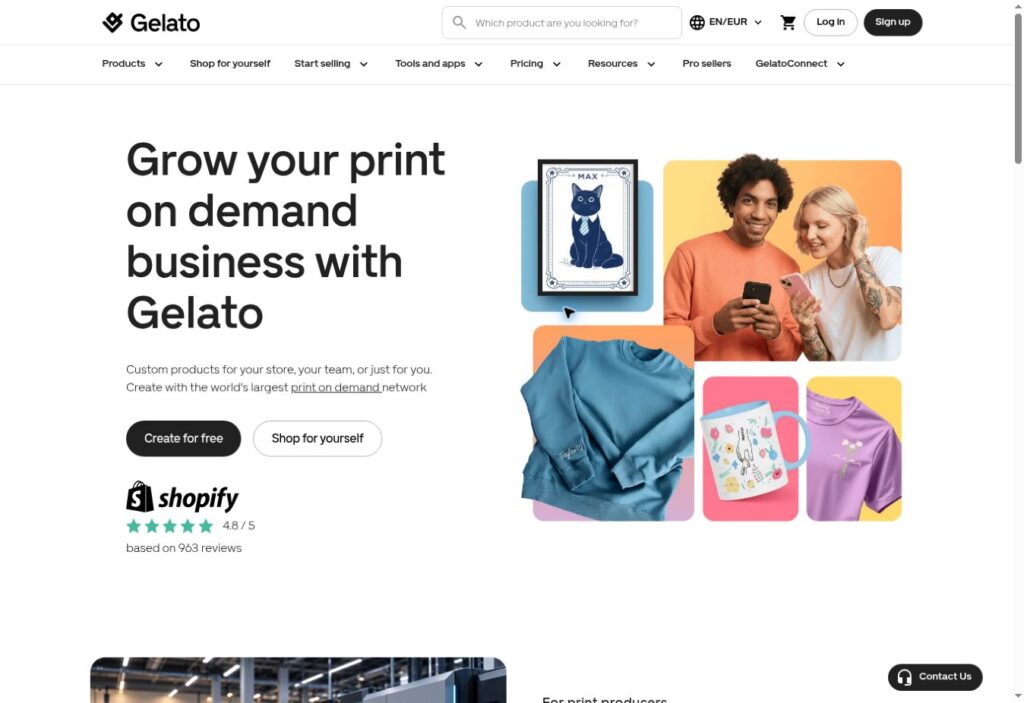
Gelato stands out for its focus on localized, eco-friendly global production. For merchants selling across multiple international markets, this model offers operational benefits.
According to Gelato, the network utilizes local production across 32 countries. When an order is placed, Gelato automatically routes the job to the print partner closest to the end customer. This localized fulfillment reduces cross-border transit times and shipping expenses.
Best for: Cross-border merchants and UK/EU sellers seeking fast international delivery.
Pricing: Gelato provides a free plan including local production features and standard integrations. Paid tiers (Gelato+ and Gelato+ Gold) offer reduced shipping rates, mockups, and advanced design tools.
Pros & Cons:
- Pro: Localized production speeds up international deliveries and lowers transit costs
- Pro: Strong catalog options for wall art, stationery, and apparel
- Pro: Reduced transportation distances lower carbon footprint per order
- Con: Base item costs can be higher than Printify for specific categories
- Con: Minor finishing differences can occur across geographically separate facilities
Beginner verdict: Straightforward setup, ideal for store owners marketing to international buyers.
Creative Tools for Design & Mockups
Compelling store listings require clear graphics and realistic visual presentations. Modern pod design tools allow non-designers to create high-quality artwork and professional product presentation mockups easily.
4. Canva
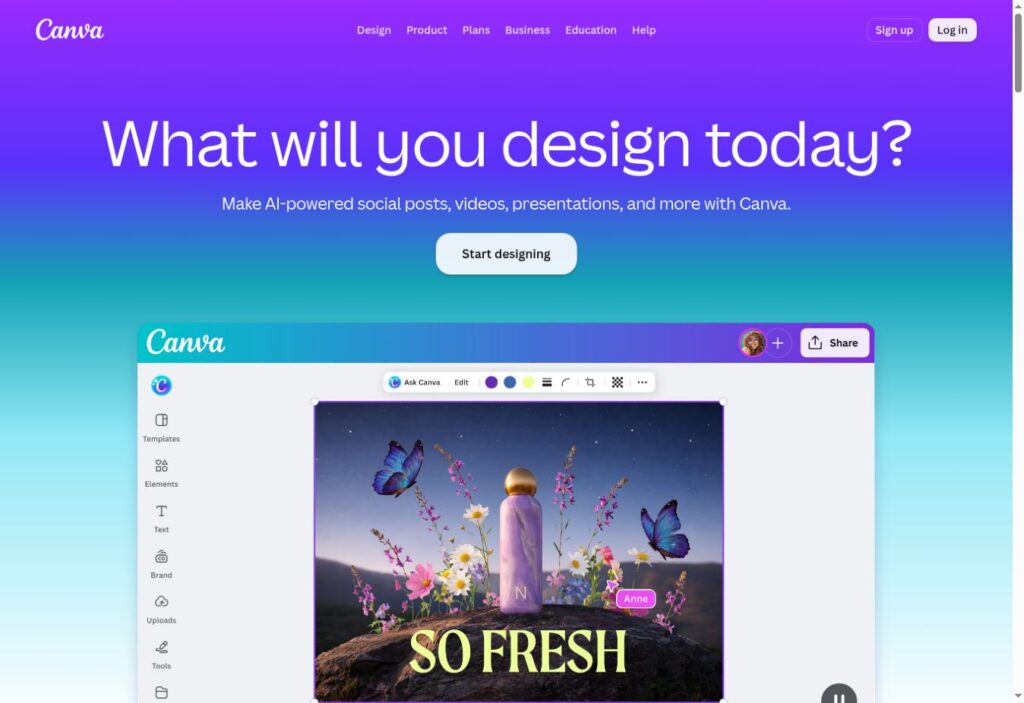
Canva is an accessible graphic creation tool suitable for creators without formal design backgrounds. According to Krea, Canva Free provides access to drag-and-drop editing features, 1.6 million templates, and 5GB of cloud storage at no initial cost. It is one of the most practical free tools available for e-commerce beginners.
Store owners can design t-shirt graphics, brand logos, and social media banners using visual templates. While the free plan covers standard design needs, upgrading to Canva Pro unlocks transparent PNG exports and vector file downloads, which are often required for print production files.
Pros & Cons:
- Pro: Free tier available with a wide selection of starter graphics
- Pro: User-friendly drag-and-drop interface
- Con: Transparent background PNG exports require a Canva Pro subscription
Beginner verdict: Excellent starting option for merchants with limited graphics experience.
5. Placeit
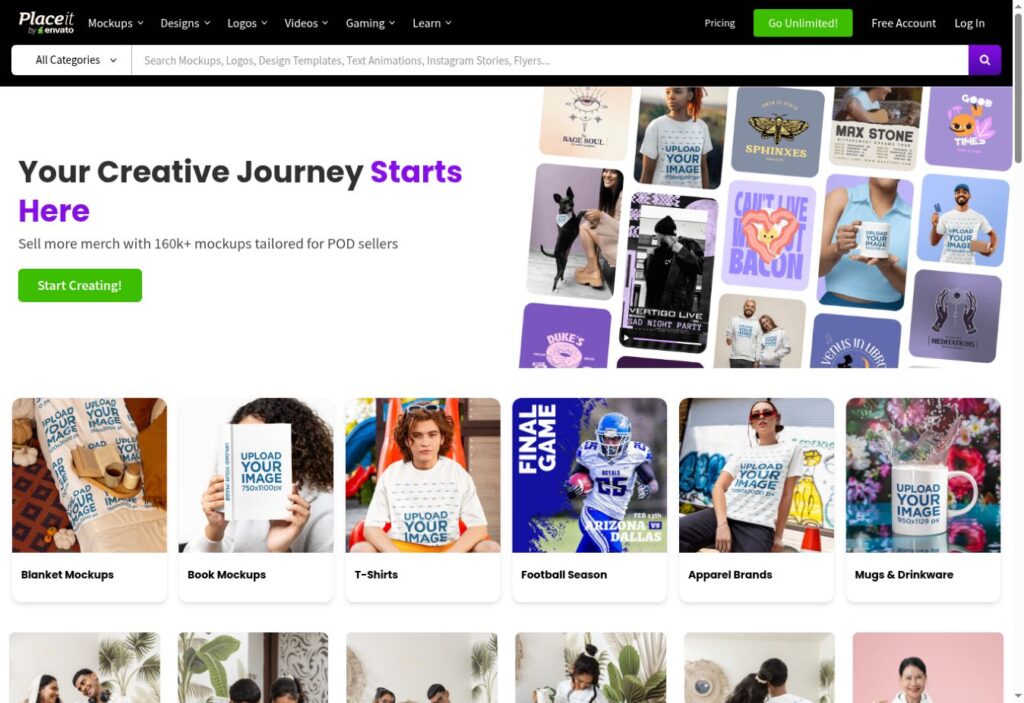
Placeit functions as a specialized print on demand product mockup tools platform and realistic mockup generator. Merchants can upload flat design files and generate high-resolution image assets showing models wearing garments or using lifestyle items like mugs and tote bags.
Using realistic lifestyle mockups improves visual branding across product catalogs without requiring custom photoshoots.
Pros & Cons:
- Pro: Extensive library of realistic lifestyle mockups
- Pro: Requires no photography background or advanced graphic editing skills
- Con: Unlimited image downloads require a paid subscription model
Beginner verdict: Highly intuitive point-and-click image generation.
6. Midjourney

Midjourney is an advanced artificial intelligence art generation tool that creates visual designs from text descriptions. Merchants can enter detailed prompts to synthesize artwork across various stylistic themes.
This tool allows creators to prototype custom design concepts rapidly without manual illustration. Merchants must ensure designs meet commercial use guidelines and print resolution standards before production.
Pros & Cons:
- Pro: Generates complex visual concepts quickly from simple text prompts
- Pro: Enables broad creative exploration for niche catalog designs
- Con: Prompt editing requires practice to achieve precise visual outputs
- Con: Requires a paid account tier for commercial licensing rights
Beginner verdict: Moderate learning curve focused on writing effective text prompts.
E-commerce Platforms & Marketplaces to Sell Your Products
When selecting ecommerce tools for print on demand, store owners generally choose between building an independent hosted store or listing on an established retail marketplace.
7. Shopify
Shopify is a prominent e-commerce platform for launching a direct-to-consumer store on a custom web domain. Utilizing shopify print on demand tools allows major fulfillment platforms like Printify, Printful, and Gelato to sync orders automatically. Understanding how to integrate these solutions, such as analyzing Printify vs Shopify functionality helps merchants streamline store management.
Building an independent site requires generating your own store traffic via marketing. According to Get Kanal, Shopify Basic costs $39 monthly (or $29 monthly billed annually), plus payment card processing rates of 2.9% + 30¢ per online transaction. Shopify grants merchants full ownership of customer lists, store layout, and brand strategy.
Beginner verdict: Requires more setup than online marketplaces, but offers complete operational scale and site customization.
8. Etsy
Etsy operates as a established marketplace platform featuring built-in buyer traffic searching for niche, handmade, and customized goods. Integrating etsy print on demand tools allows merchants to connect fulfillment platforms directly to Etsy listings.
Marketplace selling lowers customer acquisition friction, though platform listing and sales fees apply. According to Get Kanal, Etsy charges US merchants a $0.20 listing fee per item, a 6.5% transaction fee on sold orders, and payment processing fees of 3% + $0.25.
Beginner verdict: An efficient platform to test product concepts with an existing audience of active buyers.
Essential Tools to Grow Your Business
Launching your online store is the first step. Scaling operations relies on strategic audience research and structured store promotion using dedicated pod marketing tools.
9. Sale Samurai
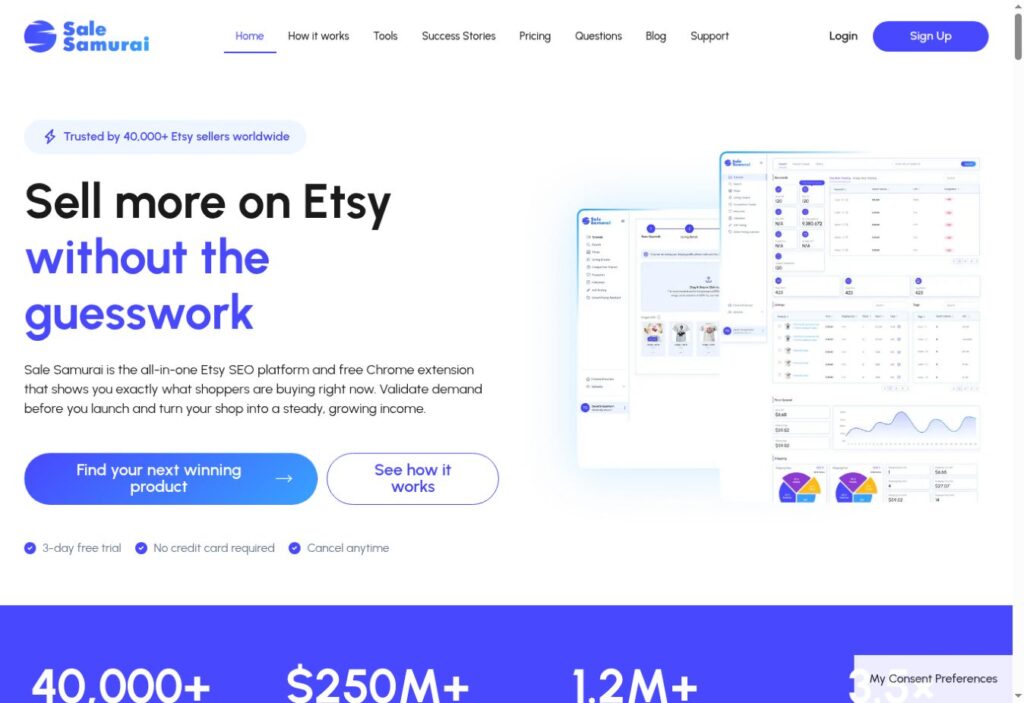
Sale Samurai is an analytics platform and print on demand research tools solution tailored for marketplace sellers. It provides keyword search volume estimates, competitor listing analysis, and search optimization suggestions.
Using search research helps merchants identify real buyer demand before spending resources on design creation, aiding in the discovery of profitable product niches.
Beginner verdict: Simple interface that provides data to guide product keyword decisions.
10. Klaviyo
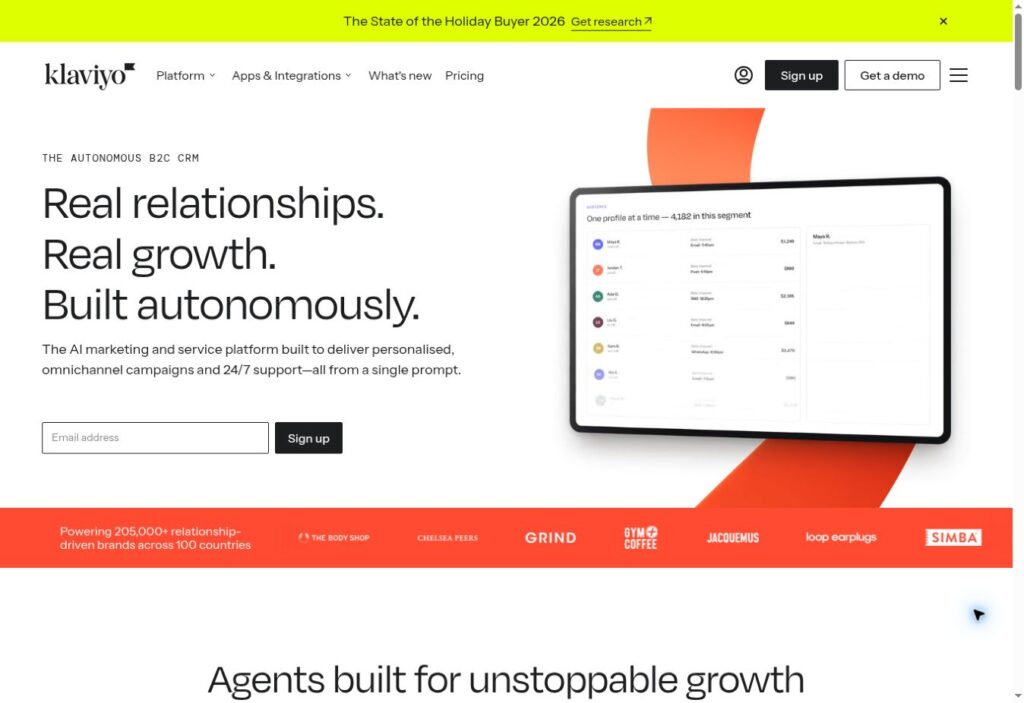
Klaviyo is an automated email and SMS marketing software platform built for e-commerce platforms like Shopify. It allows store owners to create automated campaigns, such as abandoned cart recoveries, welcome series, and post-purchase follow-ups.
Email automation encourages customer retention and repeat orders, helping standalone stores increase customer lifetime value over time.
Beginner verdict: Accessible onboarding workflows with template builders for core automated campaigns.
Putting It All Together
Building a successful e-commerce operation relies on selecting a practical set of connected applications. You do not need every application available to start.
A common starter stack for new sellers includes combining Canva for visual graphics, Printify for product fulfillment, and Etsy to list products in front of existing traffic. This configuration carries minimal initial overhead and allows creators to test concepts quickly. As you grow a print on demand business, you can introduce Shopify for dedicated brand building, Sale Samurai for keyword analytics, and Klaviyo for email automation.
Selecting from the best tools for print on demand reviewed above provides a clear path forward. Choose your core tech stack, set up your initial graphics, and begin building your store today.
Frequently Asked Questions (FAQ)
What is the best print-on-demand tool stack for absolute beginners?
A recommended starter stack for beginners includes Canva for design creation, Printify for product fulfillment, and Etsy as the sales marketplace. This setup requires minimal upfront capital while allowing you to validate design concepts with real customer traffic.
How much money do I need to start a print-on-demand business?
You can start a print-on-demand business with under $50 to $100. Fulfillment accounts are pay-as-you-go, design tools like Canva offer free tiers, and sales channels like Etsy charge minor listing fees ($0.20 per item) without requiring upfront inventory investment.
Can I sell print-on-demand products on both Shopify and Etsy simultaneously?
Yes. Top fulfillment platforms like Printify and Printful allow you to connect multiple sales channels to a single print account simultaneously. Orders placed on either platform are routed automatically to your fulfillment provider.