
Why Vencord is the Ultimate Discord Power-Up?
If you spend a significant amount of time on Discord, you’ve likely felt the itch for more control. Maybe you’re tired of the cluttered interface, or perhaps you’ve seen friends using sleek, custom themes that make the standard dark mode look ancient. For a long time, customizing Discord meant bulky third-party apps that bogged down your system.
Enter Vencord.
It’s the lightweight, feature-packed modification that’s quickly becoming the favorite for power users and casual chatters alike. If you want to transform Discord from a simple chat app into a fully personalized command center, you’re in the right place.
What is Vencord?
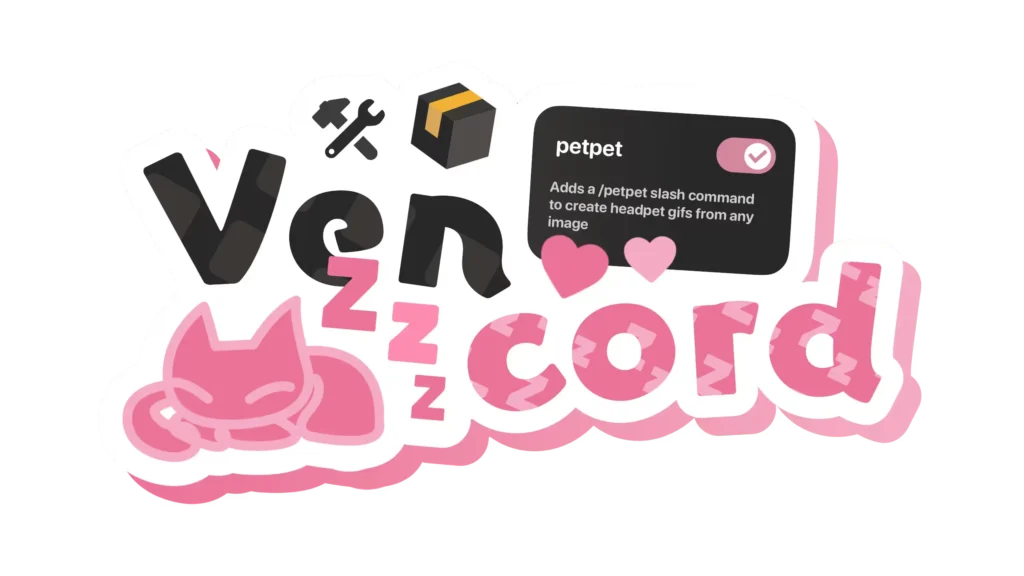
Vencord is a Discord client, a modern, fast, and incredibly easy to use, Discord client mod. It is dedicated to a philosophy of a plug-and-play in comparison with older mods which might feel clunky and hard to install. It enables you to add your own customized plugins and themes to your discord experience without affecting performance.
The standout feature? It’s built with efficiency in mind. It doesn’t just add features; it often makes the app feel snappier than the original.
Game-Changing Features You Didn’t Know You Needed
What makes this mod so special? It’s all about the plugins. Here are a few that change the way you interact with your communities:
1. Superior Customization (Themes)
Standard Discord offers “Dark” and “Light” (and a few colorful synced themes if you pay). Vencord opens the floodgates. You can apply CSS themes that change everything from the font styles to the transparency of your windows. Whether you want a minimalist glass look or a retro-neon vibe, the possibilities are endless.
2. Built-in “Vencord” Plugins
The tool comes pre-loaded with dozens of “toggles.” Want to see hidden channels? Want a “Read All” notifications button to clear that annoying red dot in one click? Or maybe you want to see exactly which platform your friends are on? These tiny quality-of-life improvements add up to a much smoother daily experience.
3. Performance Enhancements
One of the best-kept secrets is its ability to disable Discord’s tracking and telemetry. By cutting out the background noise that usually phones home to servers, the app consumes fewer resources. This is a massive win for gamers who need every bit of CPU power for their actual games.
Why Users are Making the Switch
The community around Vencord is growing for several specific reasons:
Safety and Stability
In the world of client mods, stability is king. This mod is known for not breaking every time Discord pushes a small update. It’s built to be resilient, meaning you spend less time fixing your chat app and more time actually chatting.
No “Bloat”
Many users find the official Discord client is becoming cluttered with features they don’t use. Vencord allows you to hide the things you don’t want to see—like the “Shop” tab or the “Nitro” buttons—giving you a clean, distraction-free interface.
The “Free” Factor
While it doesn’t “give” you Nitro (which would violate terms of service), it provides many aesthetic and functional features that usually feel locked behind a paywall. It respects the platform while giving the user back the power of choice.
How to Get Started
Setting it up is surprisingly simple compared to the mods of yesteryear:
- The Installer: Download the official installer from their verified source.
- Select Your Version: Choose whether you want to patch the standard Discord, PTB, or Canary.
- Launch and Explore: Once installed, a new “Vencord” section will appear in your Discord settings. This is where the magic happens.
From here, you can browse the plugin list and toggle on features like “Message Logger,” “Show Hidden Channels,” or “Spotify Controls” with a single click.
The Verdict: Is It Worth It?
If you’re someone who likes to tinker, or if you simply want a cleaner, faster version of the app you use every day, Vencord is a no-brainer. It respects your system’s resources while providing a level of personalization that the official app simply can’t match.
The digital world is all about making tools work for you, not the other way around. By adding this to your toolkit, you’re taking the first step toward a more efficient, beautiful, and personalized social experience.
Frequently Asked Questions

Is Vencord against Discord’s Terms of Service? Technically, all client modifications are against the TOS. However, the developers focus on “client-side” changes that don’t automate actions or harm the platform. Millions use mods safely, but it’s always a “use at your own risk” situation.
Does it work on mobile? While primarily a desktop powerhouse, there are related projects for mobile, though the desktop version remains the most feature-complete and stable experience.
Will it slow down my computer? Quite the opposite! Because it allows you to disable telemetry and bloat, many users report that Discord actually runs faster and uses less RAM.





As someone who’s tried a few Discord mods over the years, Vencord stands out for how seamlessly it balances customization with performance. The plug-and-play approach is a breath of fresh air compared to the clunky setups I’ve dealt with before. It’s great to see a mod that doesn’t compromise on stability or speed while still offering the kind of personalization options that make Discord feel truly yours.
It’s interesting how the post highlights the balance between customization and performance. The idea of a lightweight, plugin-friendly approach really addresses a common frustration for users who want more control without slowing down their client. I also appreciate the focus on safety and avoiding bloat—something that often gets overlooked in tech modifications.