The Best CRM and Automation Tools for Growth
Scaling a business today requires more than just a great product or a talented sales team; it requires a robust infrastructure. As companies grow, the manual processes that once worked—spreadsheets, sticky notes, and isolated email threads—become bottlenecks that stifle revenue. This is where Customer Relationship Management (CRM) and automation ecosystems come into play.
Choosing the right technology stack is a high-stakes decision. CRM and automation tools centralize customer data and automate key workflows to improve efficiency across teams. Understanding how these systems work is especially valuable for professionals pursuing CompTIA A+ training, as it builds foundational knowledge of modern business software and IT-supported systems. they act as the central nervous system of your organization, synchronizing marketing, sales, and customer success efforts to drive efficiency and revenue.
This guide provides a comprehensive analysis of the top CRM and automation platforms, evaluating them based on scalability, integration capabilities, and their ability to facilitate genuine business growth.
What Are CRM and Automation Tools?
At its core, a Customer Relationship Management (CRM) system is a technology for managing all your company’s relationships and interactions with customers and potential customers. However, modern CRM definitions have evolved.
Today, a CRM is a “Single Source of Truth” (SSOT). It aggregates data from various touchpoints—website visits, email opens, sales calls, and support tickets—into a unified customer profile.
Automation, in this context, refers to the software logic that triggers actions based on that data without human intervention. This ranges from simple auto-responders to complex workflows involving lead scoring, task assignment, and cross-channel nurturing.
Key Entities and Concepts
To understand this landscape, it is essential to distinguish between the core components:
- Operational CRM: Focuses on streamlining processes (sales automation, marketing automation, service automation).
- Analytical CRM: Focuses on analyzing customer data to improve retention and acquisition.
- Integration Layer: Tools like Zapier or native APIs that allow the CRM to “speak” to other tools (e.g., connecting a CRM to Slack or Gmail).
Related Concepts & Comparisons
Before selecting a tool, it is crucial to understand how CRM fits into the broader software architecture.
CRM vs. ERP
While a CRM manages the front end of the business (customers and sales), an Enterprise Resource Planning (ERP) system manages the back end (inventory, finance, HR, supply chain). High-growth companies eventually need these two systems to integrate, ensuring that when a sale is closed in the CRM, the inventory is updated in the ERP.
Marketing Automation vs. Sales Automation
Many platforms combine these, but the intent differs:
- Marketing Automation: Focuses on the top of the funnel (generating and nurturing leads).
- Sales Automation: Focuses on the bottom of the funnel (managing the pipeline, closing deals, and contract management). Using an AI workflow tool can streamline both processes by automating lead tracking, follow-ups, and pipeline management in a single workflow
Top CRM and Automation Tools for Growth: The Landscape
There is no single “best” tool for every business. The right choice depends heavily on your business model (B2B vs. B2C), company size, and technical maturity. Below is a breakdown of the market leaders categorized by their strongest use cases.
1. HubSpot: The All-in-One Ecosystem
Best For: Scaling startups, B2B mid-market, and Inbound Marketing focus.
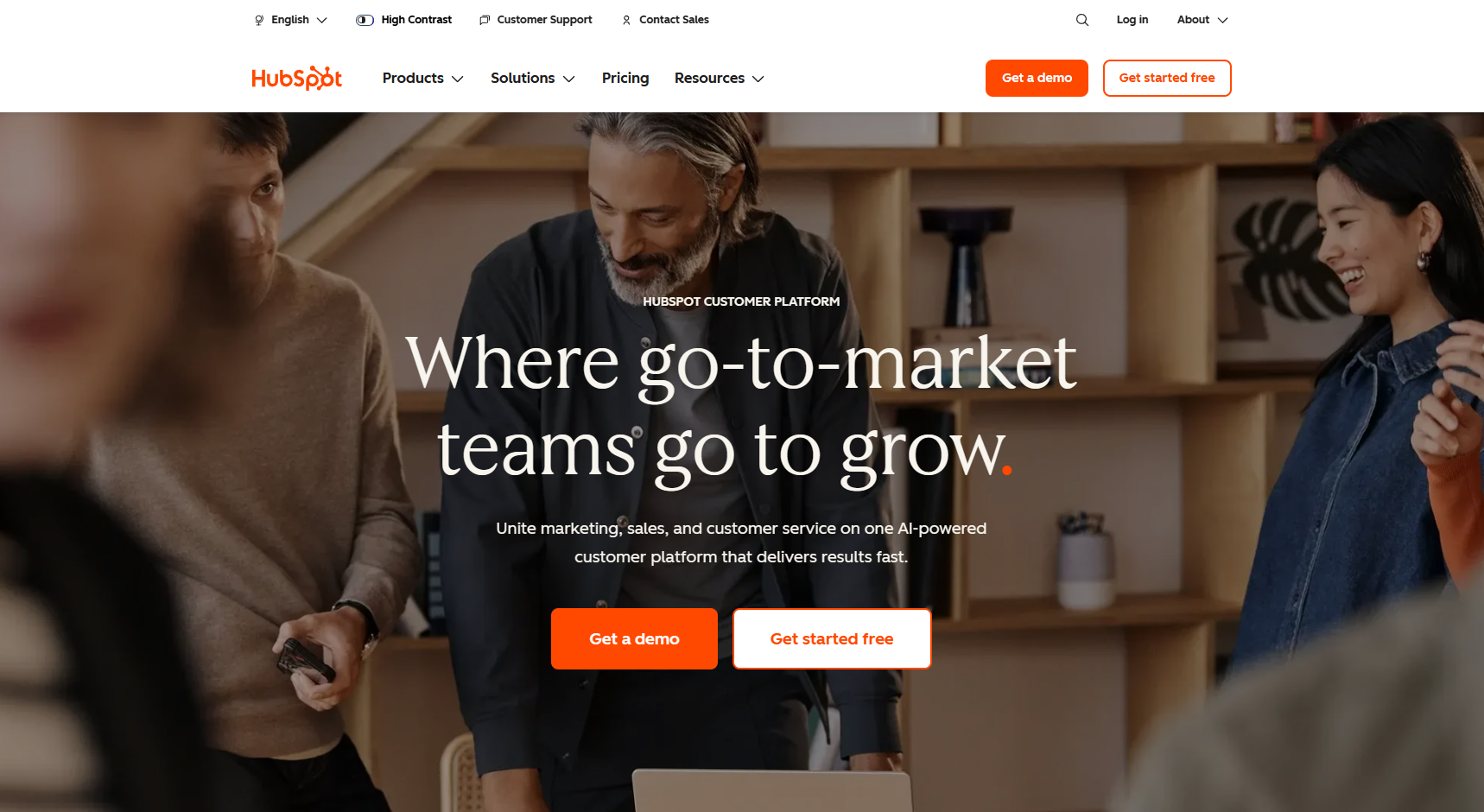
HubSpot has evolved from a marketing tool into a full-platform CRM. Its superpower is usability and the seamless integration between its “Hubs” (Marketing, Sales, Service, Operations, and CMS).
- Key Features:
- Native integration of email marketing and CRM data.
- Powerful workflow automation (e.g., if a lead visits the pricing page, notify sales).
- Free tier available for early-stage growth.
- Considerations: The pricing model can become steep as contact lists grow and enterprise features are unlocked.
2. Salesforce: The Enterprise Standard
Best For: Large enterprises and complex organizations requiring deep customization.
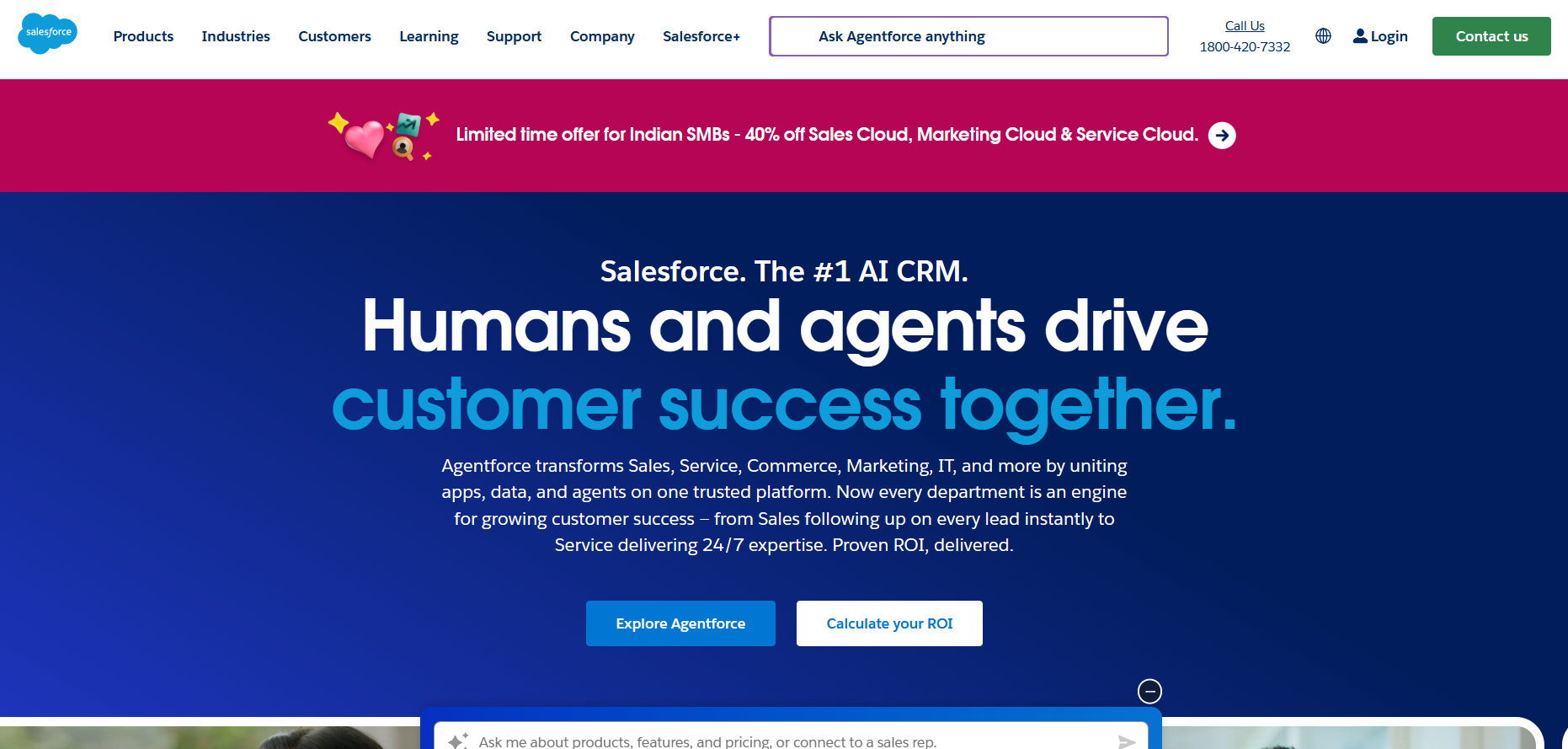
Salesforce Sales Cloud is the dominant player for a reason. It offers unparalleled customization capabilities. If your business has complex sales cycles, multiple territories, or requires bespoke application development, Salesforce is the default choice.
- Key Features:
- Einstein GPT (AI-driven insights and forecasting).
- Massive AppExchange ecosystem for third-party integrations.
- Granular permission settings and data security.
- Considerations: High Total Cost of Ownership (TCO). It often requires dedicated administrators or external consultants to implement and maintain effectively.
3. Pipedrive: The Sales-First CRM
Best For: Sales-led organizations and deal-driven teams.
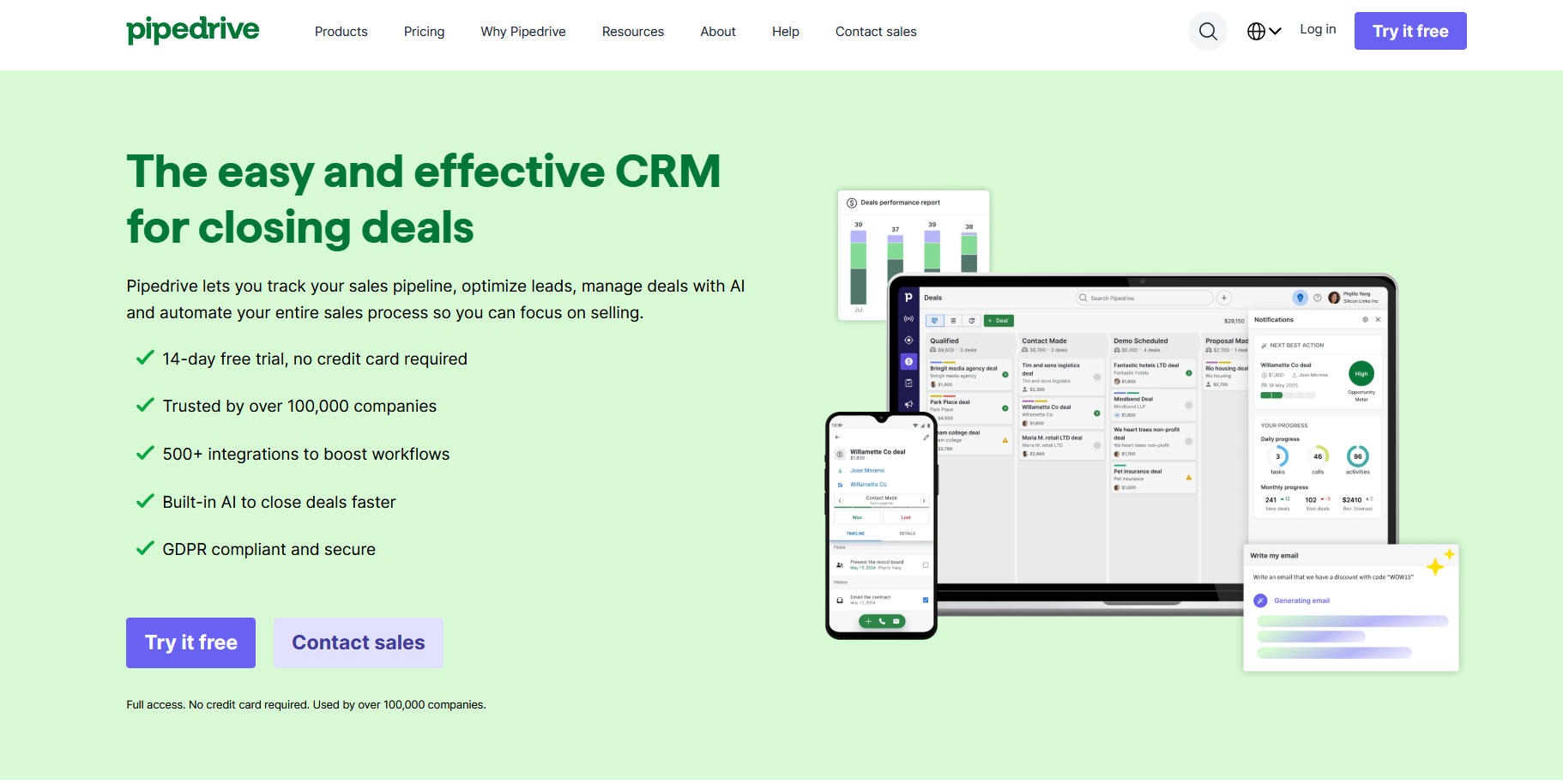
Pipedrive is built by salespeople, for salespeople. Unlike HubSpot or Salesforce which try to do everything, Pipedrive focuses obsessively on the visual sales pipeline and activity-based selling.
- Key Features:
- Intuitive drag-and-drop pipeline interface.
- Built-in email and call tracking.
- Strong automation for deal movement (e.g., auto-create tasks when a deal enters a new stage).
- Considerations: Lacks the robust native marketing automation features of HubSpot; often requires integration with tools like Mailchimp or ActiveCampaign.
4. Zoho CRM: The Value Leader
Best For: Small to medium businesses (SMBs) looking for a comprehensive suite on a budget.
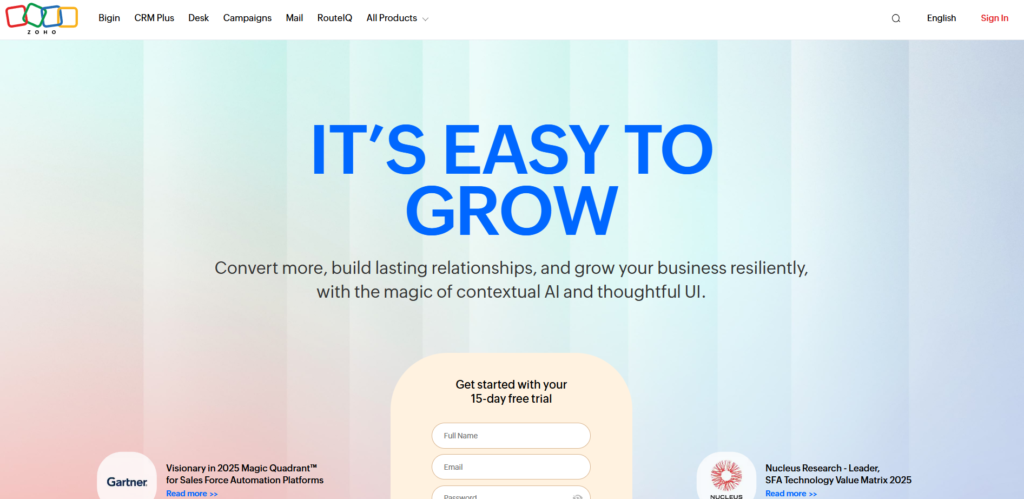
Zoho offers a vast ecosystem of business apps (Zoho One) that rivals Google and Microsoft. Their CRM is feature-rich, offering AI predictions, automation, and multichannel support at a fraction of the cost of competitors.
- Key Features:
- “Zia” AI assistant for sales predictions.
- Canvas builder (allows complete UI customization).
- Omnichannel communication (email, social, phone, chat).
- Considerations: The user interface (UI) can feel cluttered, and the learning curve is steeper than Pipedrive or HubSpot.
5. ActiveCampaign: The Automation Powerhouse
Best For: E-commerce, digital creators, and businesses prioritizing email marketing automation.
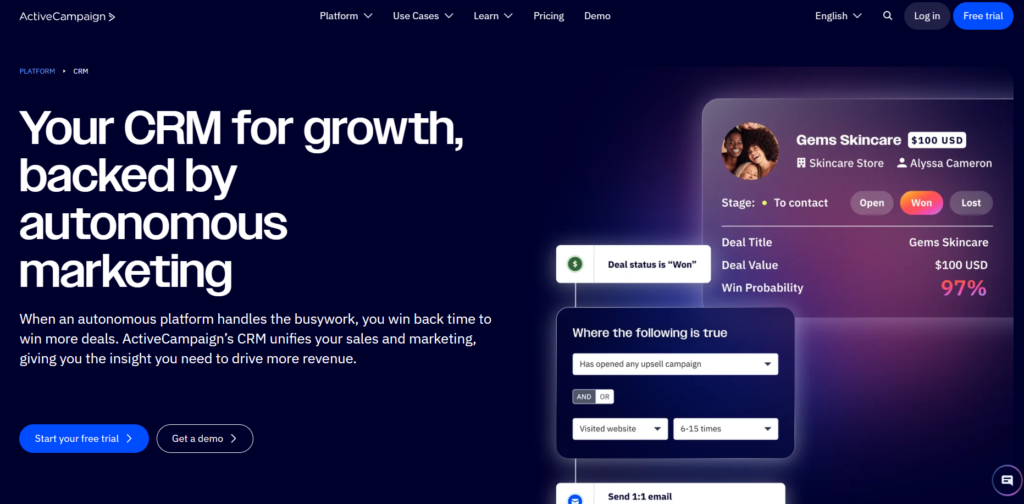
While ActiveCampaign offers a CRM, its core strength lies in its sophisticated Customer Experience Automation (CXA). It offers arguably the best visual automation builder in the industry.
- Key Features:
- Advanced segmentation and logic branching.
- Site tracking to trigger emails based on web behavior.
- Predictive sending and win probability scoring.
- Considerations: The CRM interface is functional but less robust than dedicated sales tools like Salesforce.
Benefits and Trade-offs
Implementing a sophisticated CRM and automation strategy drives growth, but it introduces new operational dynamics.
The Benefits
- Data Integrity: Moving from spreadsheets to a CRM ensures a centralized history of customer interactions, reducing data silos.
- Scalability: Automation handles repetitive tasks (data entry, follow-ups), allowing the team to handle 10x the volume without 10x the headcount.
- Revenue Intelligence: improved forecasting accuracy allows leadership to make data-backed decisions regarding hiring and budget allocation.
The Trade-offs
- Implementation Fatigue: Migrating data and training teams on new software is time-consuming and can temporarily dip productivity.
- Garbage In, Garbage Out: Automation amplifies bad processes. If your data is dirty or your sales process is broken, automation will simply scale the chaos.
- Cost Creep: SaaS subscription costs can spiral if you pay for features or seats you do not utilize.
How to Choose or Evaluate Your Tool
To select the best CRM and automation tool for growth, avoid looking at CRM features in isolation. Instead, evaluate based on your organizational maturity and specific workflows. Use this framework:
1. Define Your “Must-Have” Integrations
List the tools you currently use (Gmail, Outlook, Shopify, Slack, Zoom). The CRM you choose must integrate natively with these to ensure high adoption rates. If a salesperson has to leave their inbox to log data in a separate tab, they likely won’t do it.
2. Assess Technical Capability vs. Usability
- Low Technical Resource: Choose HubSpot or Pipedrive. You need a tool that works out of the box with minimal setup.
- High Technical Resource: Choose Salesforce or Microsoft Dynamics. You have the engineering talent to build custom flows and APIs.
3. Analyze the Pricing Structure
Look beyond the per-user price.
- Does the price jump significantly when you add more contacts?
- Are essential features (like API access or reporting) locked behind the “Enterprise” tier?
- Is there a mandatory onboarding fee?
4. Mobile Functionality
For field sales teams, a robust mobile app is non-negotiable. Test the mobile version of the CRM to ensure it allows for easy data entry, call logging, and schedule management on the go.
Bottom Line
The best CRM and automation tools for growth are the ones that your team actually uses. The most advanced features in the world are useless if the user interface is so complex that your sales team reverts to spreadsheets.
- For pure Sales Teams: Start with Pipedrive for focus.
- For Marketing-Led Growth: HubSpot is the superior ecosystem.
- For Complex/Enterprise Needs: Salesforce remains the undisputed king.
- For Budget-Conscious Integration: Zoho provides the most value per dollar.
Ultimately, technology is an accelerator, not a creator. Define your sales process and customer journey first. Once those are clear, select the automation tool that removes friction and allows your team to focus on what matters most: building relationships and closing deals.