How to Direct Link From HTTP to HTTPS Ahrefs?
Executive Summary
Migrating from HTTP to HTTPS is frequently mishandled as a simple IT ticket involving an SSL certificate installation. From a digital marketing perspective, however, this is an authority migration. When you change the protocol, you effectively change the URL of every single page on your site. Without a precise strategy to bridge the old URLs to the new ones, you fracture your link equity, confuse Googlebot, and corrupt your analytics data.
The core challenge—and the specific intent behind the query how to direct link from http to https ahrefs—is twofold:
- Technical: How to force the server to physically redirect users and bots to the secure version (the “direct link”).
- Analytical: How to ensure Ahrefs and Google Search Console aggregate data from both protocols so you don’t lose historical backlink visibility.
If you get this wrong, you risk a catastrophic drop in organic visibility as search engines treat your secure site as a brand-new entity with zero history. This guide details the server-level execution and the specific Ahrefs configuration required to maintain a unified view of your domain’s authority.
The “Ghost Town” Migration: A Field Report
In 2018, I was brought in to audit a B2B SaaS platform that had migrated to HTTPS three months prior. Their traffic had bled out by 40%, and their marketing director was convinced they had been hit by a core algorithm update.
I opened their Ahrefs dashboard. They had set up a new project for the https:// version of their site. The Domain Rating (DR) was 12. Their historical http:// project had a DR of 64.
The problem wasn’t the algorithm. It was a failure of redirection logic. The engineering team had installed the SSL certificate and made the site accessible via HTTPS, but they hadn’t forced the HTTP traffic to move. Both versions of the site existed simultaneously.
- Google was splitting the crawl budget between two duplicate versions.
- External backlinks pointing to the HTTP version were hitting a 200 OK status code, meaning that “link juice” was stranded on the insecure version, never passing to the ranking pages on HTTPS.
We implemented a strict, global server-side 301 redirect that night. Within 10 days, Ahrefs showed the backlink profiles merging, and rankings began to recover. The lesson was sharp: A tool like Ahrefs reports what it sees. If your server presents two sites, Ahrefs reports two sites. You must force the consolidation.
Deep-Dive Analysis
The Technical Execution: Forcing the 301 Redirect
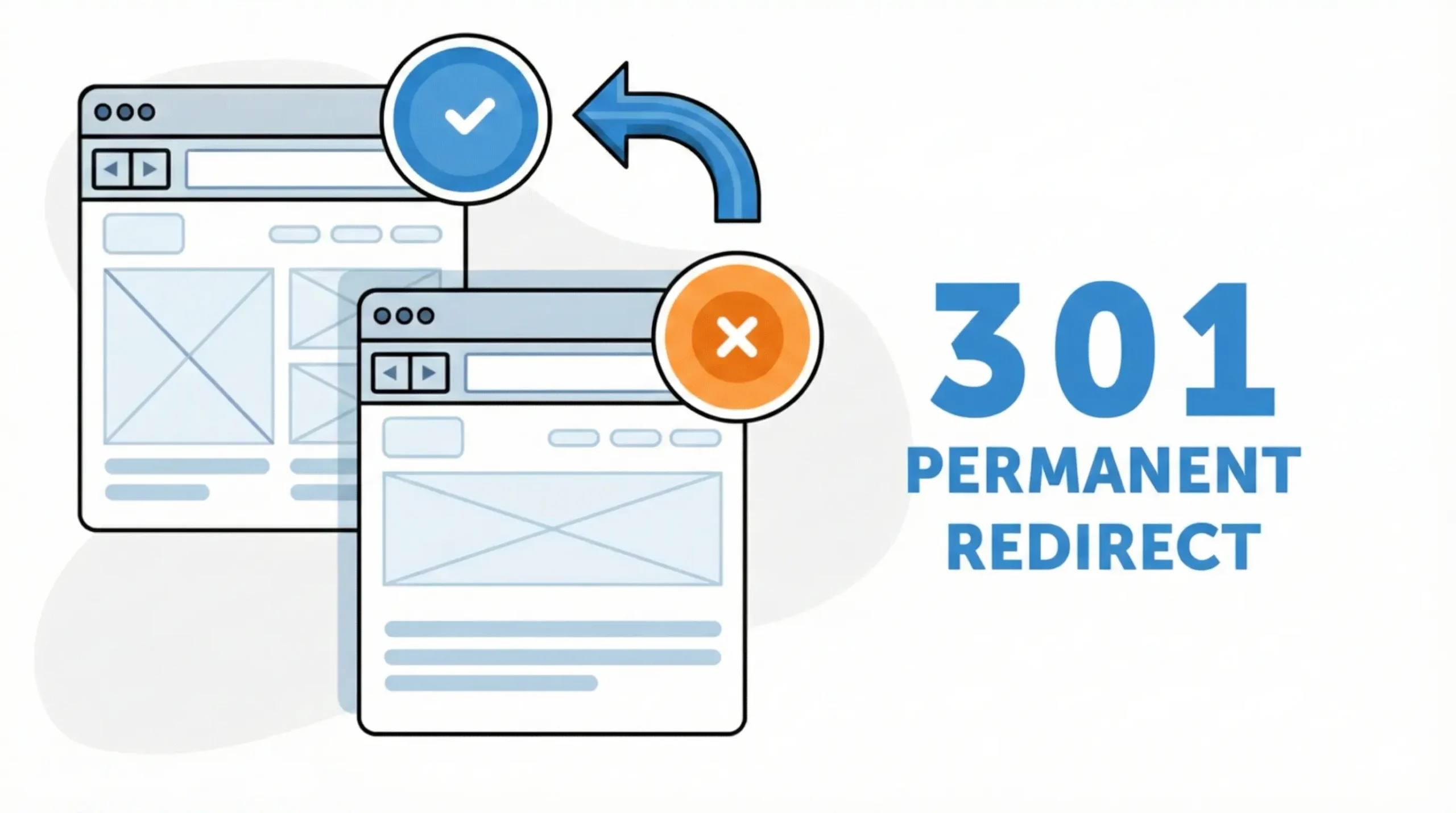
To “direct link” effectively, you cannot rely on browser-side fixes or soft redirects. You need a permanent, server-side instruction that tells Googlebot (and AhrefsBot) that the resource has permanently moved.
The only acceptable method for SEO preservation is the 301 Redirect.
If you are running on an Apache server (standard for most PHP/WordPress environments), this happens in the .htaccess file. Do not rely on plugins for this; plugins execute PHP, which is slower and more prone to failure than a server-level rule.
The Code Implementation:
You need a rewrite rule that captures every request coming in on port 80 (HTTP) and transfers it to port 443 (HTTPS) while preserving the rest of the URL structure.
Apache
RewriteEngine On
RewriteCond %{HTTPS} off
RewriteRule ^(.*)$ https://%{HTTP_HOST}%{REQUEST_URI} [L,R=301]
Why this matters for Ahrefs:
When AhrefsBot crawls an old backlink pointing to http://yoursite.com/blog, it hits this rule. The server immediately responds with a “301 Moved Permanently” header and the new location. Ahrefs records this redirect and attributes the link equity of the old URL to the new HTTPS URL. Without this response code, the link equity is lost.
Configuring Ahrefs for Unified Data
Many SEO struggle with Ahrefs data after a migration because they are looking at the wrong specific project type. If you are wondering how to direct link from http to https ahrefs effectively in terms of tracking, the answer lies in “Project Verification.”
The “Domain” Property Solution
In the past, Ahrefs (like Google Search Console) required you to track distinct protocols. Now, you must use Domain Verification.
- Do not set up your project as a “URL Prefix” (e.g.,
https://example.com). This blinds you to any legacy links still pointing to HTTP. - Do set up the project as
example.com(Domain mode).
This instructs Ahrefs to aggregate data from http, https, www, and non-www. It is the only way to see your “Direct Link” strategy working in real-time. If you look at a URL Prefix project for HTTPS only, it will look like you have zero history, regardless of your redirects.
Mitigating the “Mixed Content” Bleed
Even with a global redirect, internal links can sabotage you. If your internal navigation still points to http:// versions, you are forcing every user (and bot) to pass through a redirect loop just to navigate your site.
This burns “Crawl Budget”—the finite resources Google assigns to index your site.
The Fix:
I use Screaming Frog for this, not Ahrefs, as it’s faster for granular crawling.
- Crawl the secure (HTTPS) site.
- Filter for “Non-Secure Content” or examine the “Outlinks” tab.
- Identify any internal anchor text pointing to HTTP.
- Update these in the database (using a search-and-replace query) so they link directly to HTTPS.
Do not rely on your 301 redirects to handle internal traffic. Redirects are for external inbound links you cannot control. Internal links must be direct.
Comparative Analysis: Redirect Methods
When engineering teams push back on server-side changes, they often propose alternatives. Here is why those alternatives usually fail in an SEO context.
| Method | SEO Efficacy (Link Equity) | Reliability | Technical Risk | Verdict |
| Server-Side 301 (.htaccess/Nginx) | 100% | High | Low (if syntax checked) | The Standard. The only robust way to preserve rankings. |
| 302 Temporary Redirect | 0% (initially) | High | Low | Dangerous. Tells Google the move is temporary. Authority does not pass immediately. |
| JavaScript / Meta Refresh | Unpredictable | Low | High | Avoid. Googlebot renders JS well now, but it adds latency and is not guaranteed to pass equity. |
| HSTS (Strict Transport Security) | N/A (Security only) | High | Low | Supplementary. Good for security, but HSTS is cached by the browser; it is not a replacement for a 301 for first-time bots. |
| CMS Plugins | Variable | Moderate | High (Plugin conflict) | Last Resort. Adds code bloat and creates dependency on third-party software. |
Common Digital Marketing Mistakes
1. The Redirect Chain (The “Hop” Problem)
I often see sites migrate and end up with a chain like this:
http://example.com (301) -> https://example.com (301) -> https://www.example.com
Why this fails: Every “hop” in a redirect chain introduces latency and risks a small loss of link equity (damping factor). Search engines may stop following the chain after 3-5 hops.
The Fix: The HTTP version should redirect directly to the final state (https://www.example.com) in a single step.
2. Disregarding the Disavow File
If you had a disavow file uploaded to Google Search Console for your HTTP property to block toxic links, those rules do not automatically transfer to your HTTPS property if you treat them as separate entities.
The Fix: Ensure your disavow file is applied to the Domain property or re-uploaded to the specific HTTPS property. I have seen sites recover from penalties only to trigger them again post-migration because the disavow file was left behind.
3. Canonicalizing the Wrong Protocol
A common developer oversight is implementing the redirect but failing to update the rel=”canonical” tag in the page header.
If a user lands on HTTPS, but the source code says <link rel=”canonical” href=”http://example.com/page” />, you are sending conflicting signals. You are redirecting users to HTTPS but telling Google the “master copy” is HTTP. This often leads to de-indexing.
Verdict & Strategic Next Steps
Direct linking from HTTP to HTTPS is not just a hygiene task; it is the primary vessel for carrying your domain’s history into its future.
If you are currently diagnosing a drop in traffic or setting up Ahrefs for a migrated site, here is your checklist:
- Force the 301: Verify via
curl -I http://yoursite.comthat the server returns a 301 status code pointing directly to the HTTPS version. If it returns a 200 or 302, stop and fix this immediately. - Unify Ahrefs Tracking: Delete any “URL Prefix” projects that segregate your protocols. Create a single “Domain” level project to aggregate all backlink data.
- Hard-Code Internal Links: Run a crawl to ensure you are not relying on redirects for your own internal navigation.
The goal is a seamless experience where the user never notices the switch, and the search engine sees a singular, consolidated authority. Do not leave this to chance or automated plugins. Own the architecture.
Frequently Asked Questions (FAQs)
You cannot perform this action inside the Ahrefs tool itself. To “direct link” your traffic and authority, you must implement a 301 Redirect on your website’s server (typically via the .htaccess file).
The Technical Step: The 301 redirect tells bots that the HTTP version has permanently moved to HTTPS.
The Ahrefs Step: Once the redirect is live, switch your Ahrefs project to Domain Verification mode (e.g., example.com instead of https://example.com). This forces Ahrefs to combine the data from both protocols into one unified dashboard.
No—but only if you use the correct redirect method. If you use a 301 Permanent Redirect, Google passes nearly 100% of the link equity from the old HTTP link to the new HTTPS page.
Warning: If you use a 302 (Temporary) redirect or a JavaScript redirect, you will bleed authority, as search engines do not treat these as a permanent transfer of equity.
Ahrefs reflects the actual state of the web. You cannot change the fact that an external website linked to your HTTP version three years ago.
The Good News: You don’t need to change those external links. As long as your 301 redirect is active, the “authority” from those old HTTP links flows through the redirect and counts toward your new HTTPS rankings.
It depends on crawl frequency. Ahrefs needs to re-crawl your old HTTP URLs to discover the new redirect. For popular pages, this might happen in a few days; for deeper, less popular pages, it could take weeks. You can speed this up by inspecting your URLs in Google Search Console and requesting a re-indexing, which often triggers other bots to visit as well.