How to Mass Apply for Jobs on LinkedIn?
Applying for multiple jobs efficiently on LinkedIn can significantly increase your chances of getting interviews. While LinkedIn does not offer a direct “mass apply” button, you can still apply to many jobs quickly using smart strategies, filters, and automation features available on the platform.
This guide explains how to mass apply for jobs on LinkedIn in a professional and effective way.
Why Use LinkedIn for Job Applications?
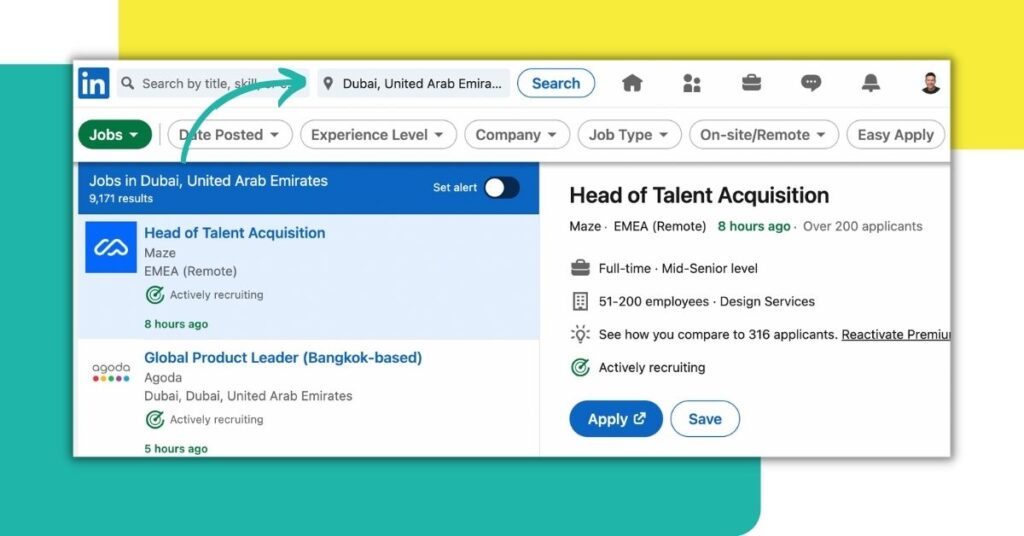
LinkedIn is one of the most powerful job-search platforms because it connects candidates directly with recruiters and companies.
Benefits include:
- Access to thousands of job listings
- Easy application process
- Direct recruiter visibility
- Professional networking opportunities
- Personalized job recommendations
Using LinkedIn correctly can save time and improve your job search results.
Step 1: Optimize Your LinkedIn Profile First
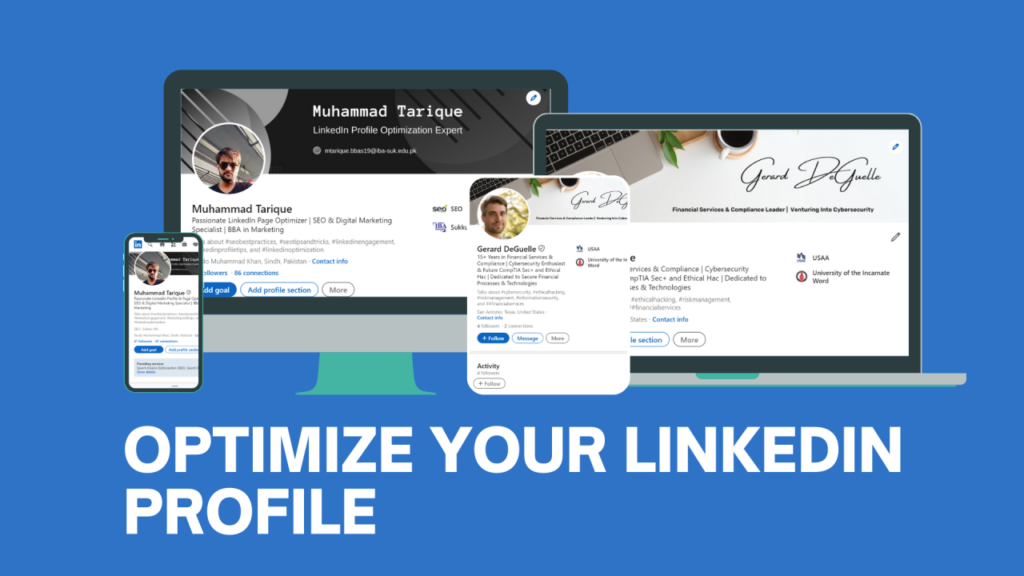
Before applying to many jobs, make sure your profile is complete because recruiters often check profiles before responding.
Update:
- Professional profile photo
- Clear headline with keywords
- Skills and experience section
- Updated resume information
- Open-to-work status
A strong profile increases response rates.
Step 2: Use LinkedIn Job Filters
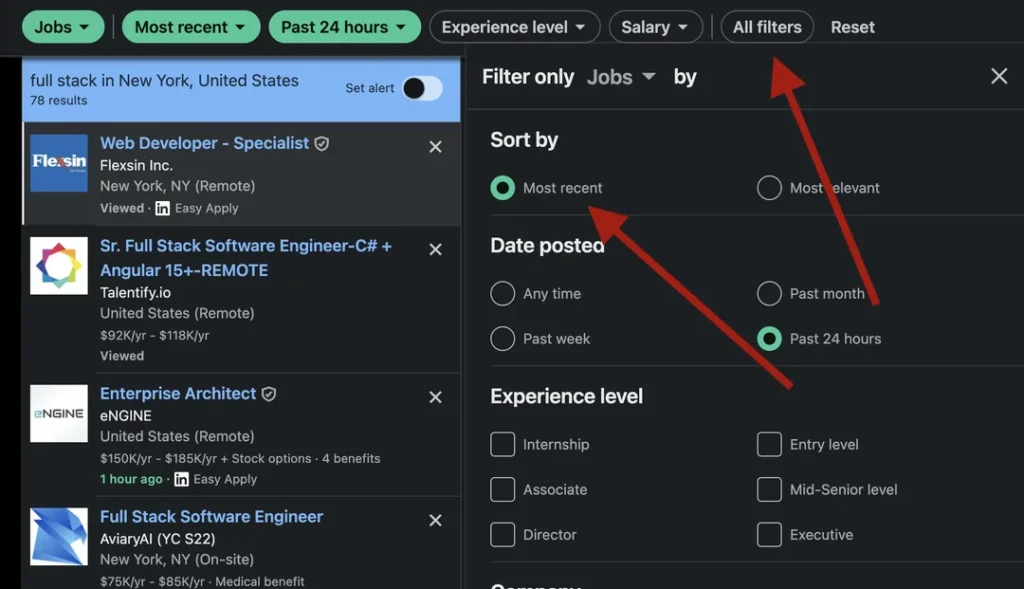
LinkedIn’s search filters help you find relevant jobs quickly.
Use filters such as:
- Location
- Experience level
- Industry
- Remote jobs
- Date posted
- Job type (full-time, part-time, internship)
This helps you apply only to jobs that match your qualifications.
Step 3: Use “Easy Apply” Feature
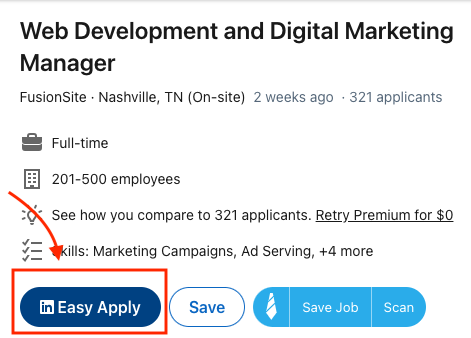
The Easy Apply option allows fast applications without leaving LinkedIn.
How to use it:
- Go to Jobs section
- Search your desired role
- Select Easy Apply filter
- Click Easy Apply
- Upload resume (if required)
- Submit application
You can apply to multiple jobs within minutes using this feature.
Step 4: Save Multiple Job Searches
Saving job searches helps LinkedIn send automatic job alerts.
Steps:
- Perform a job search
- Click Save Search
- Enable notifications
This allows you to apply quickly when new jobs appear.
Step 5: Apply in Bulk Efficiently
To mass apply smartly:
- Open multiple job tabs
- Apply sequentially using Easy Apply
- Use a ready-to-upload resume
- Keep a short customizable cover letter
This method speeds up applications while maintaining quality.
Step 6: Turn On “Open to Work”

Enable the Open to Work feature so recruiters can find you directly.
Steps:
- Go to your profile
- Click Open to
- Select Finding a new job
- Add job preferences
This increases inbound job opportunities without applying manually.
Step 7: Track Your Applications
Keep track of applied jobs to avoid confusion.
You can:
- Use LinkedIn’s My Jobs section
- Maintain a spreadsheet
- Note company names and dates
Tracking helps with follow-ups and interview preparation.
Tips for Successful Mass Applications
Follow these best practices:
- Apply daily instead of all at once
- Focus on relevant roles
- Customize resume slightly for keywords
- Apply to recent job postings
- Connect with recruiters after applying
Quality plus consistency works better than random applications.
Mistakes to Avoid
Avoid these common errors:
- Applying without updating your profile
- Sending the same resume everywhere
- Ignoring job requirements
- Applying to outdated listings
- Not checking application status
Smart applications lead to better results.
Final Thoughts
Mass applying for jobs on LinkedIn is possible when you use the right tools and strategies. By optimizing your profile, using filters, leveraging Easy Apply, and staying organized, you can apply to many opportunities efficiently while maintaining professionalism. Consistency and preparation are key to turning applications into interviews.