
Signing off an email might seem like a small detail, but it plays a big role in how your message is received. A strong email closing leaves a positive impression, reinforces professionalism, and sets the tone for future communication. Whether you’re sending a business proposal, job application, customer reply, or casual message, choosing the right sign-off matters.
In this guide, you’ll learn how to sign off an email properly, with examples for formal, professional, and casual situations.
Why Email Sign-Offs Matter
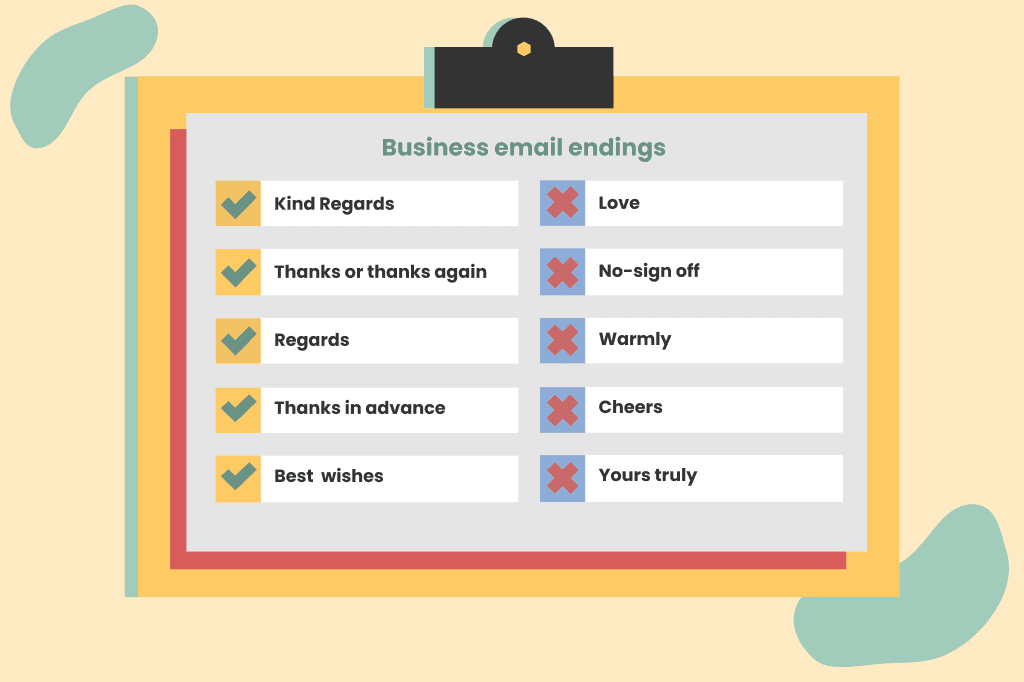
Your email sign-off:
- Shows professionalism
- Reflects your tone and personality
- Leaves a lasting impression
- Encourages future communication
- Reinforces respect and courtesy
A well-written closing can make your email feel complete and polished.
Parts of a Proper Email Sign-Off
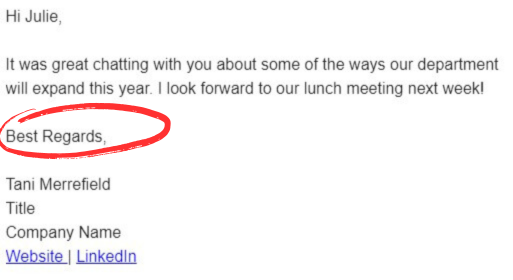
A professional email closing usually includes:
- Closing phrase (e.g., “Best regards”)
- Your full name
- Job title (if professional)
- Company name (if applicable)
- Contact information
Example:
Best regards,
Arham Ansar
Marketing Consultant
Email: [email protected]
Phone: +92-XXX-XXXXXXX
Professional Email Sign-Off Examples
Use these in business, corporate, or formal communication:
- Best regards
- Kind regards
- Sincerely
- Yours sincerely
- Respectfully
- Thank you
- With appreciation
These are safe and widely accepted in professional settings.
Friendly but Professional Sign-Offs

For coworkers, clients you know well, or semi-formal communication:
- Best
- Thanks
- Many thanks
- Warm regards
- All the best
These maintain professionalism but feel more natural.
Casual Email Sign-Offs
For friends, family, or informal communication:
- Cheers
- Take care
- Talk soon
- See you
- Thanks again
Avoid using these in formal business emails.
What to Avoid in Email Closings
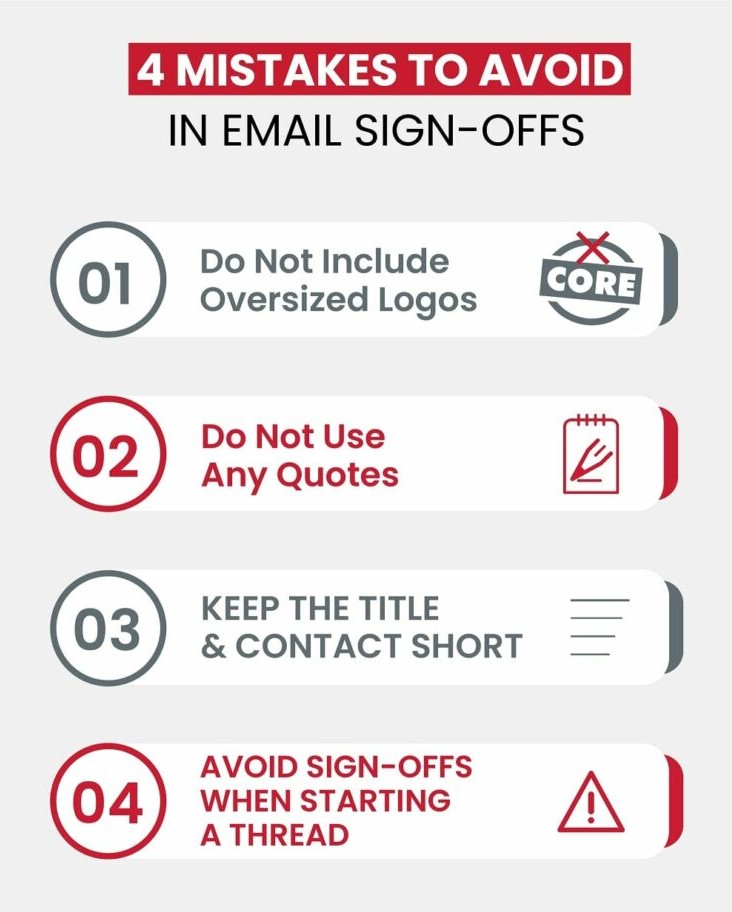
Some sign-offs can appear unprofessional or confusing:
- Sent from my iPhone (without editing)
- Love (in professional emails)
- Thx
- Emojis in formal emails
- No closing at all
Always match the tone of your email to your audience.
Email Sign-Off Tips
- Match your tone to the situation
- Keep it simple and clear
- Use your full name in professional emails
- Include contact details when necessary
- Be consistent with your branding
A simple and professional closing is often the best choice.
Final Thoughts
Signing off an email is more important than many people think. It’s the final impression you leave with the reader. Whether you’re writing a formal business email or a casual message, choosing the right closing phrase ensures clarity, professionalism, and positive communication.
When in doubt, “Best regards” or “Kind regards” are safe, professional choices.